Calendar View
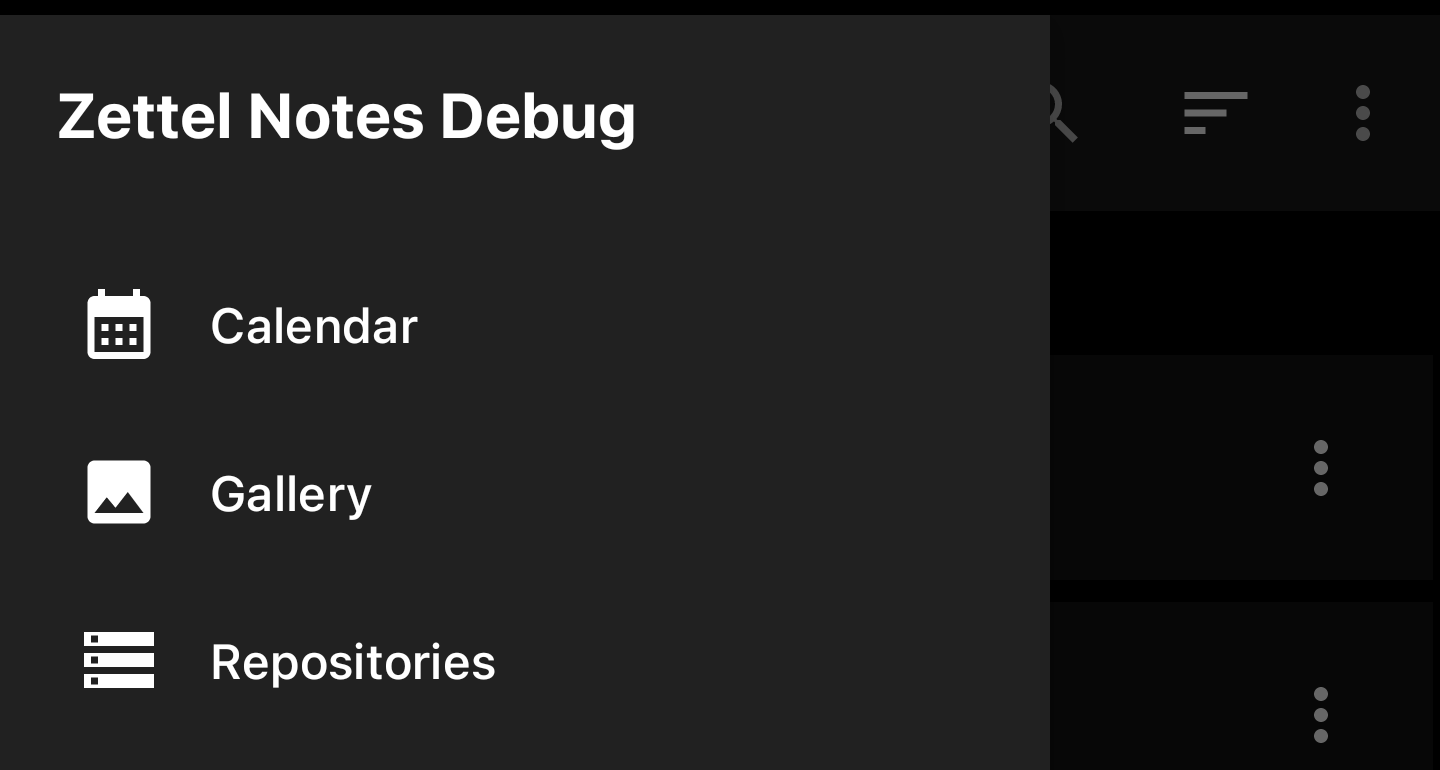
To open calendar view, open left navigation drawer and click on Calendar.
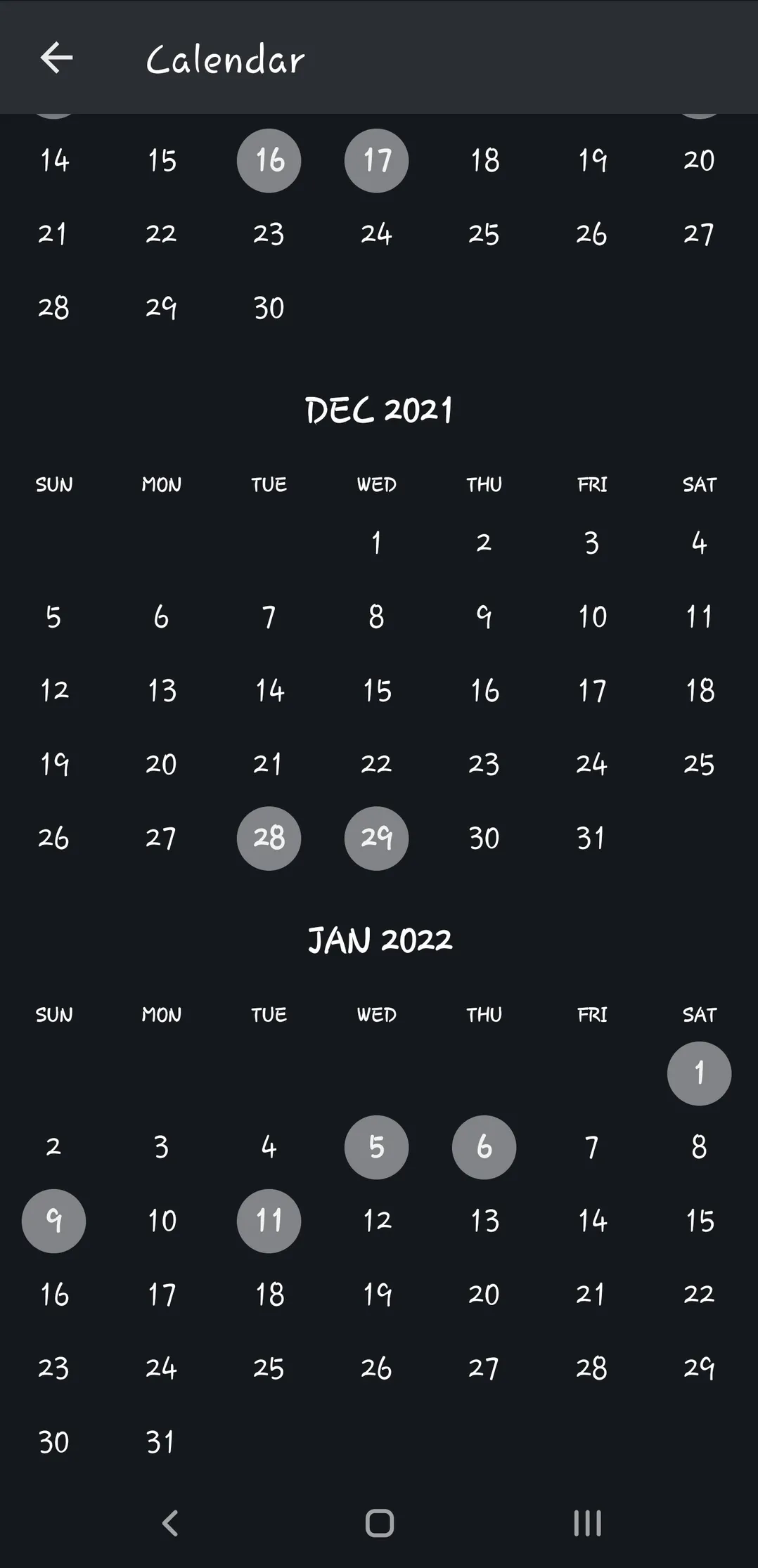
Features
- Highlight dates when notes were created or last modified
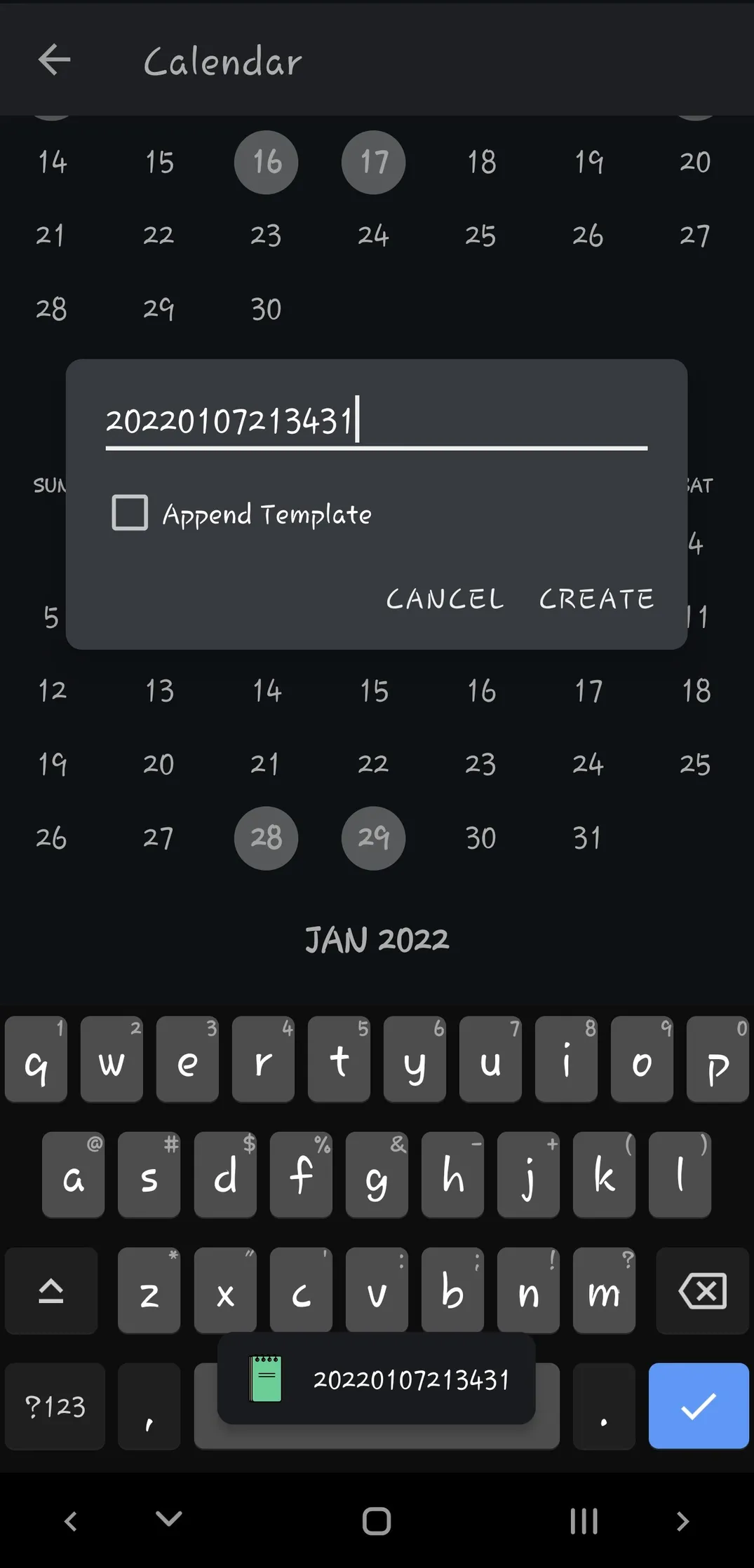
- Long press to create note for that date
- Click on date to search notes which were created on that date.
Info
Calendar works best when your notes have date format in front of filenames. eg. 202310082210 Note.md.
To automatically add this in front of filename, edit date format in Repository settings.