Launcher Shortcuts
A launcher shortcut opens a note directly from your home screen.
Tip
To create launcher shortcuts for media files, go to Gallery
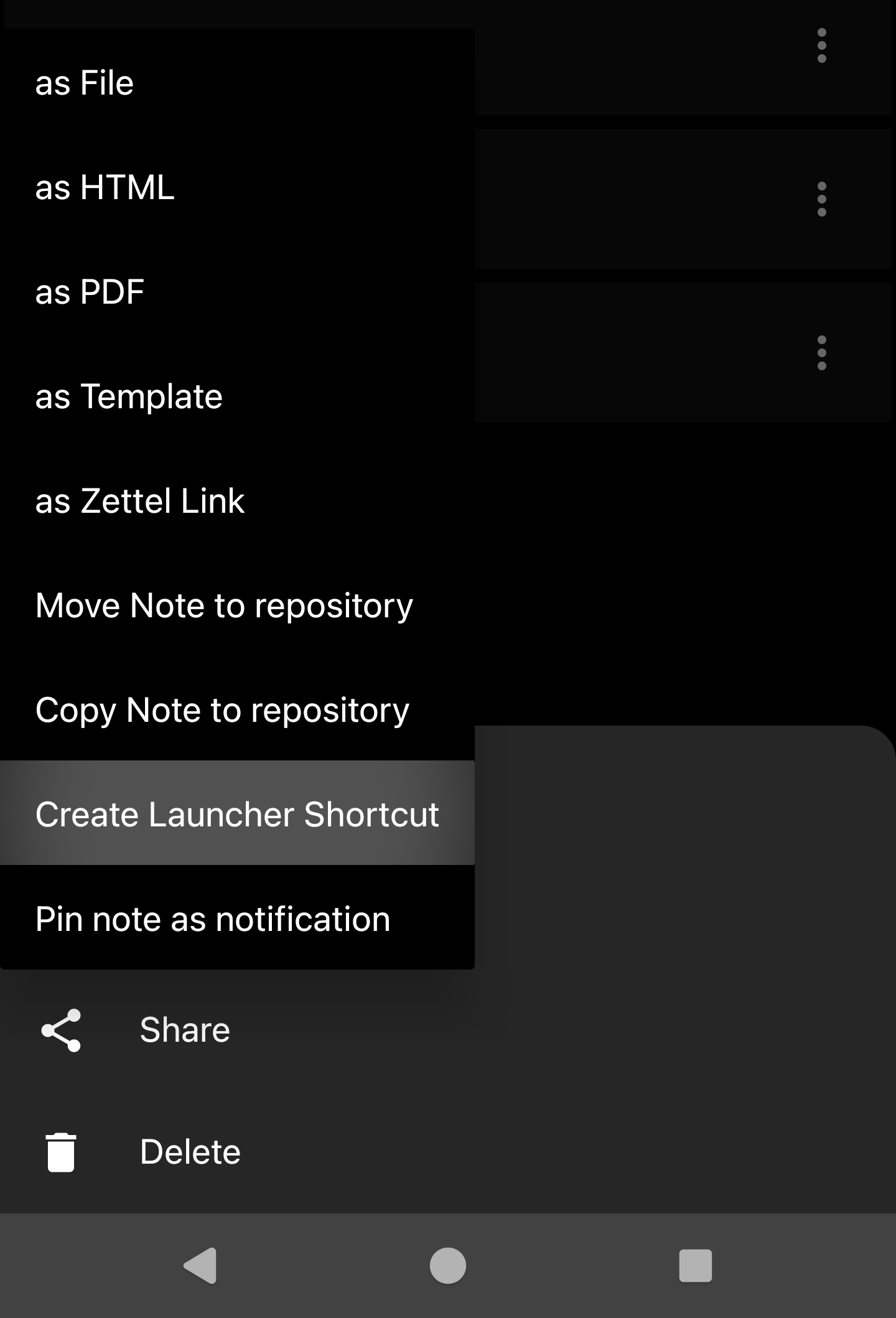
Tap the menu button next to the note, choose Share > Create Launcher Shortcut, then place the shortcut on your home screen.
The following shortcut types are available:
- Open Quick Note
- New Drawing / Audio / Task / Note shortcut
- Fleeting note shortcut
- Directly open editor in selected repository
- Fleeting note shortcut with template
- Directly open editor with note populated from user selected template in selected repository
- Folder shortcut
- Opens app in user selected folder and repository.
- Search shortcut
- Open app with search bar focused.
- Daily note shortcut v2.8.3
- Opens today's daily note. If a daily note for today already exists, including one created on another device and synced, it is opened instead of a new one being created.
- Most accessed notes
- Shortcuts for the notes you open most often.
- Sync shortcuts v2.4.4
- Run synchronization in download-only or upload-only mode.
You can change a shortcut's label when you create it v2.6.8.
Quick settings tile
A quick settings tile creates a new drawing note from the notification shade. Add it by editing your quick settings tiles.