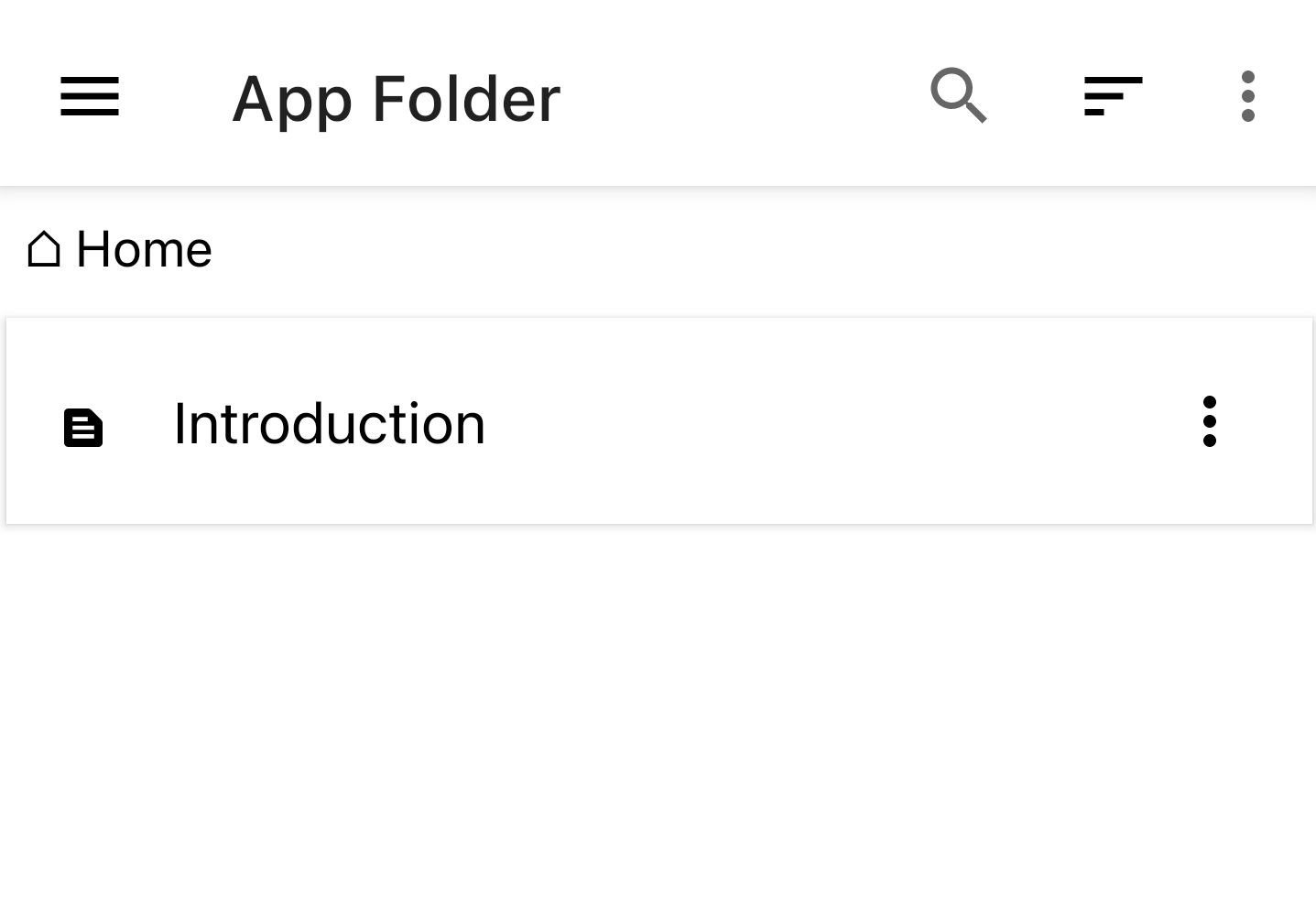
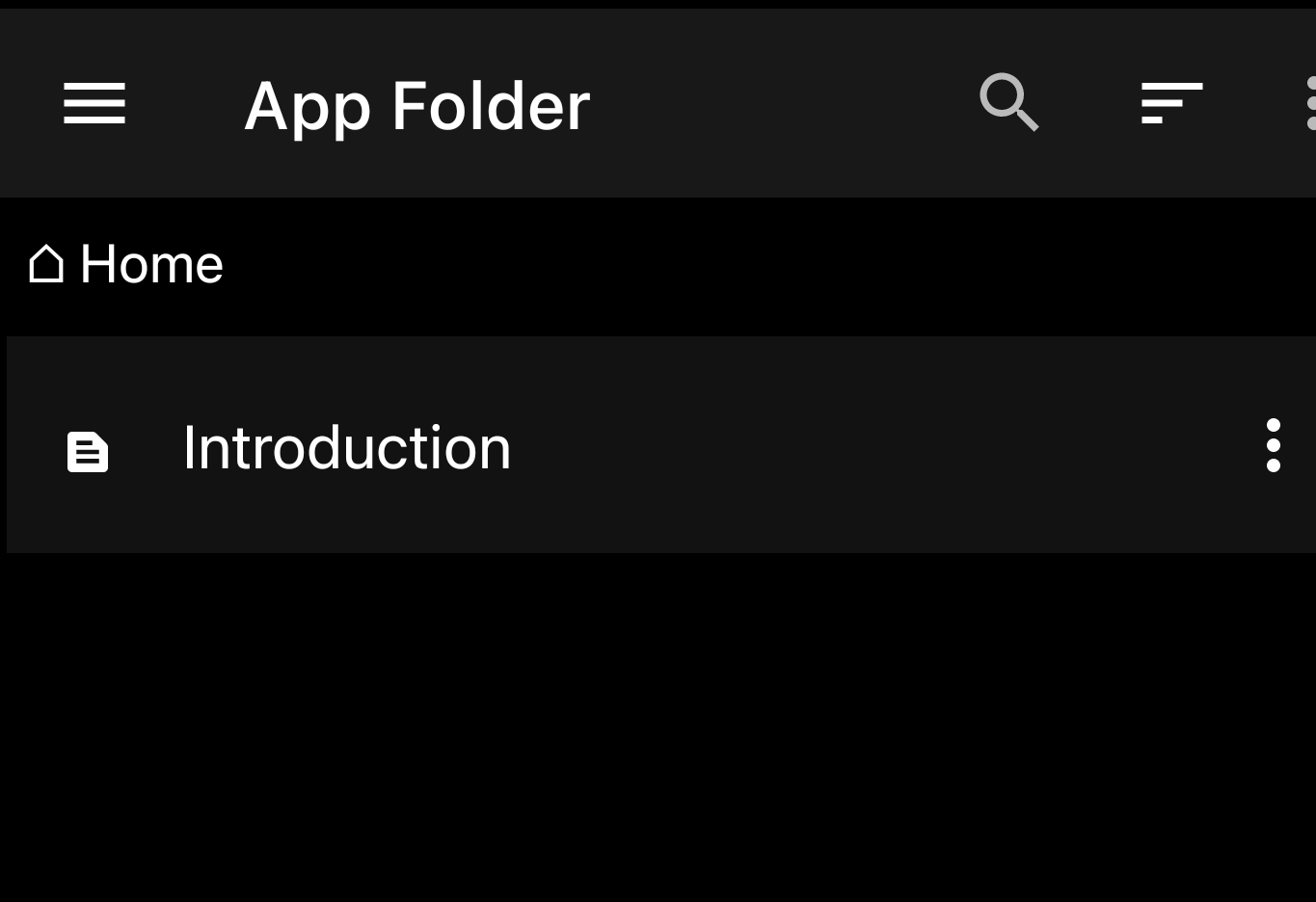
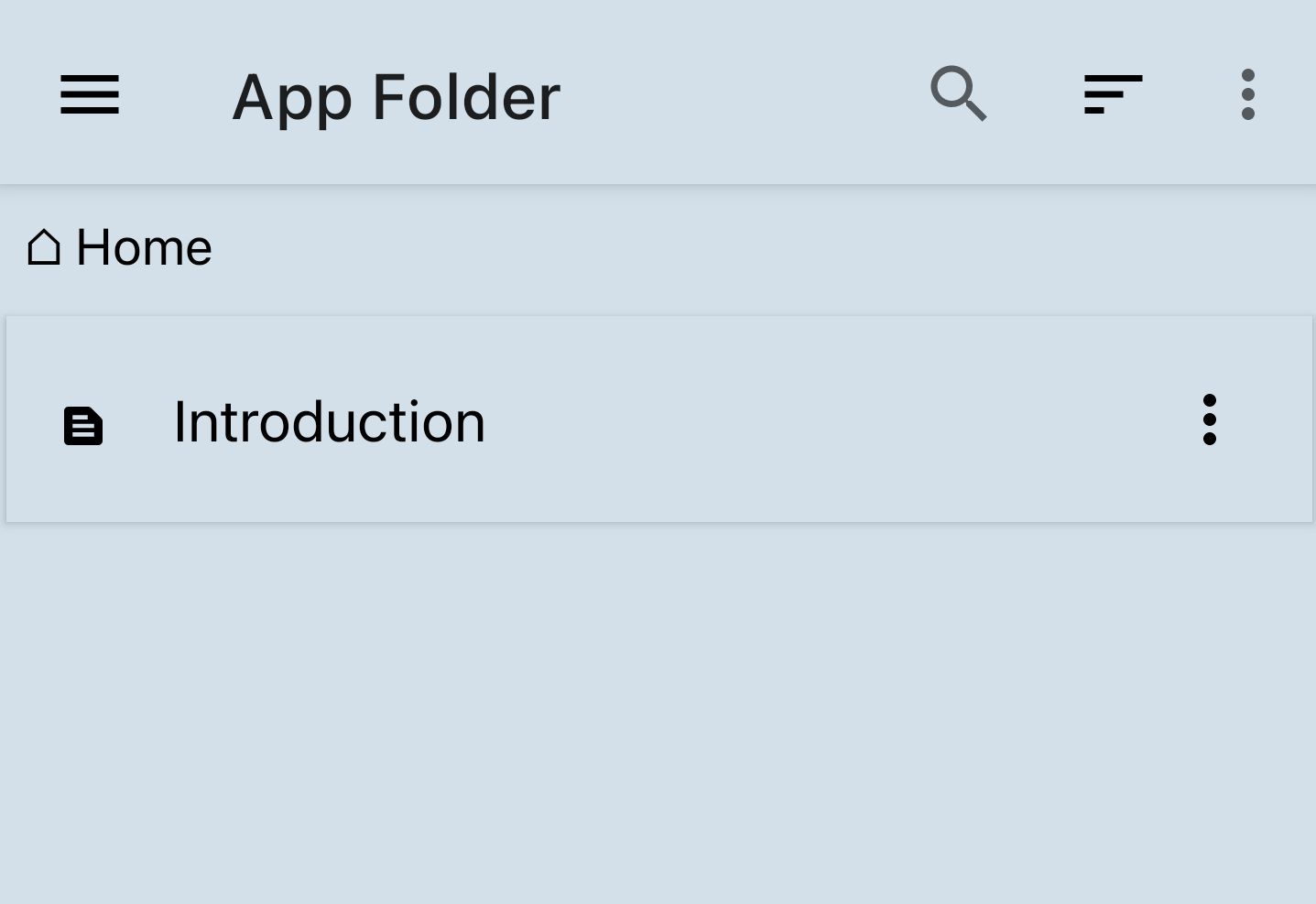
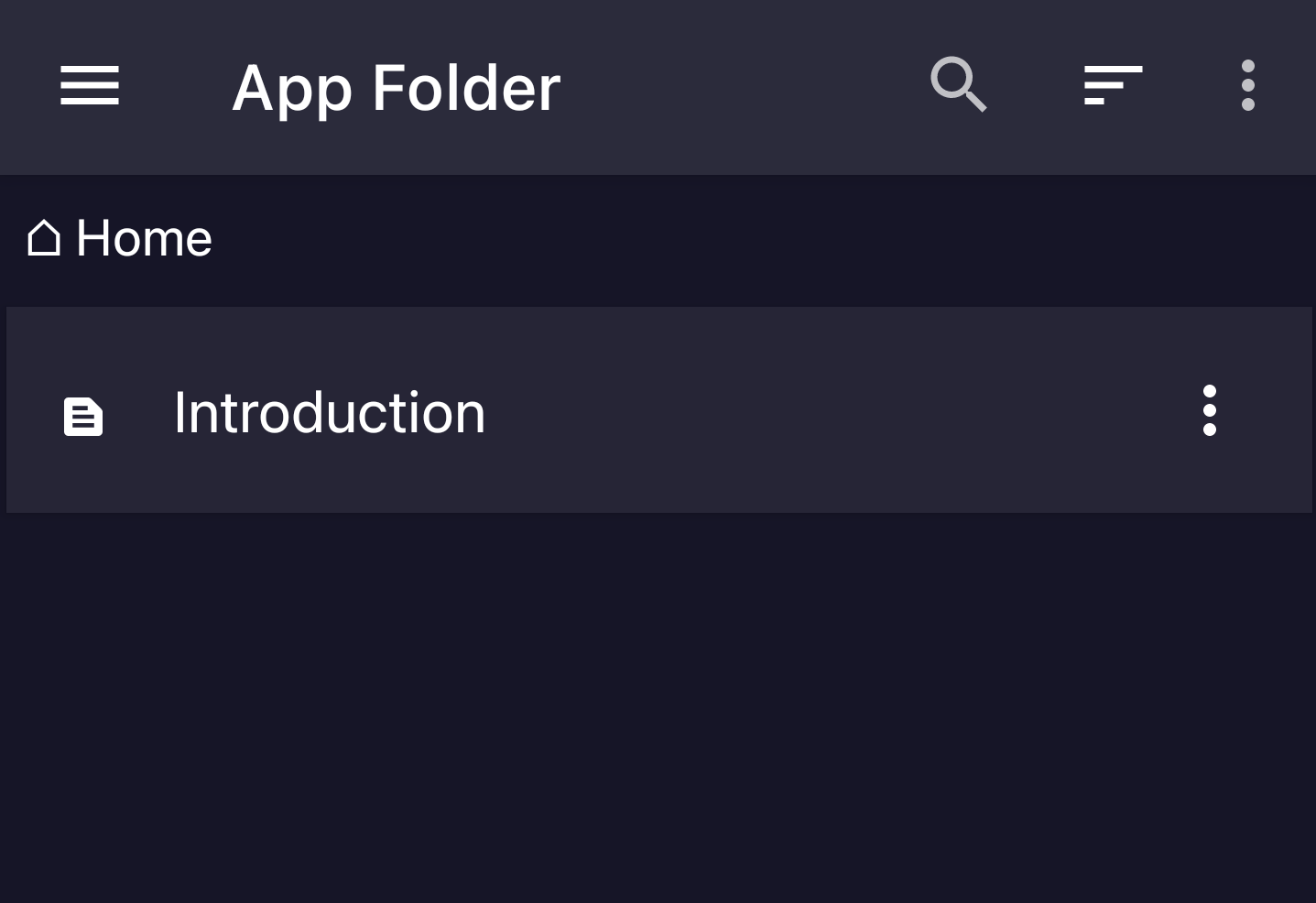
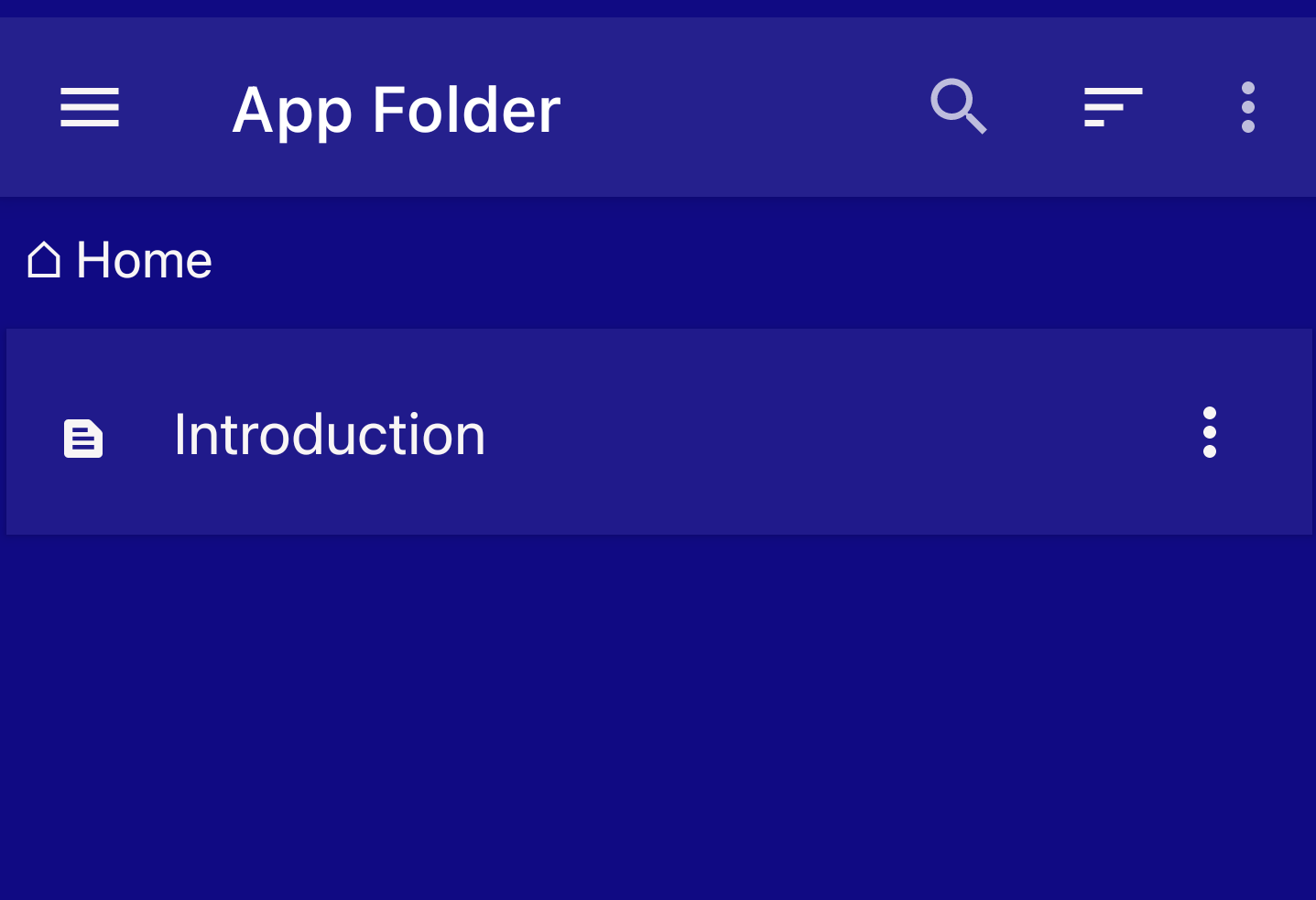
App Themes
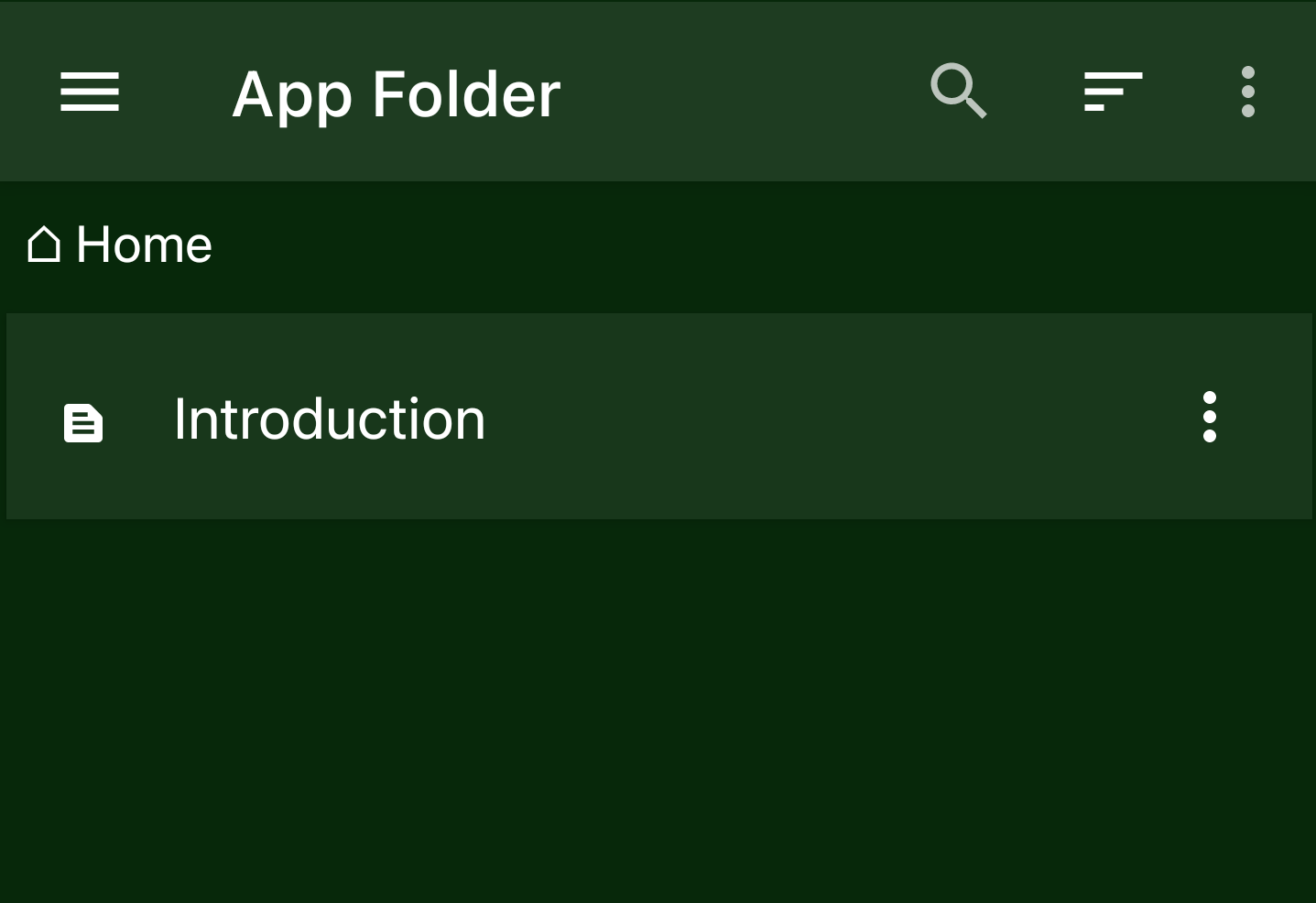
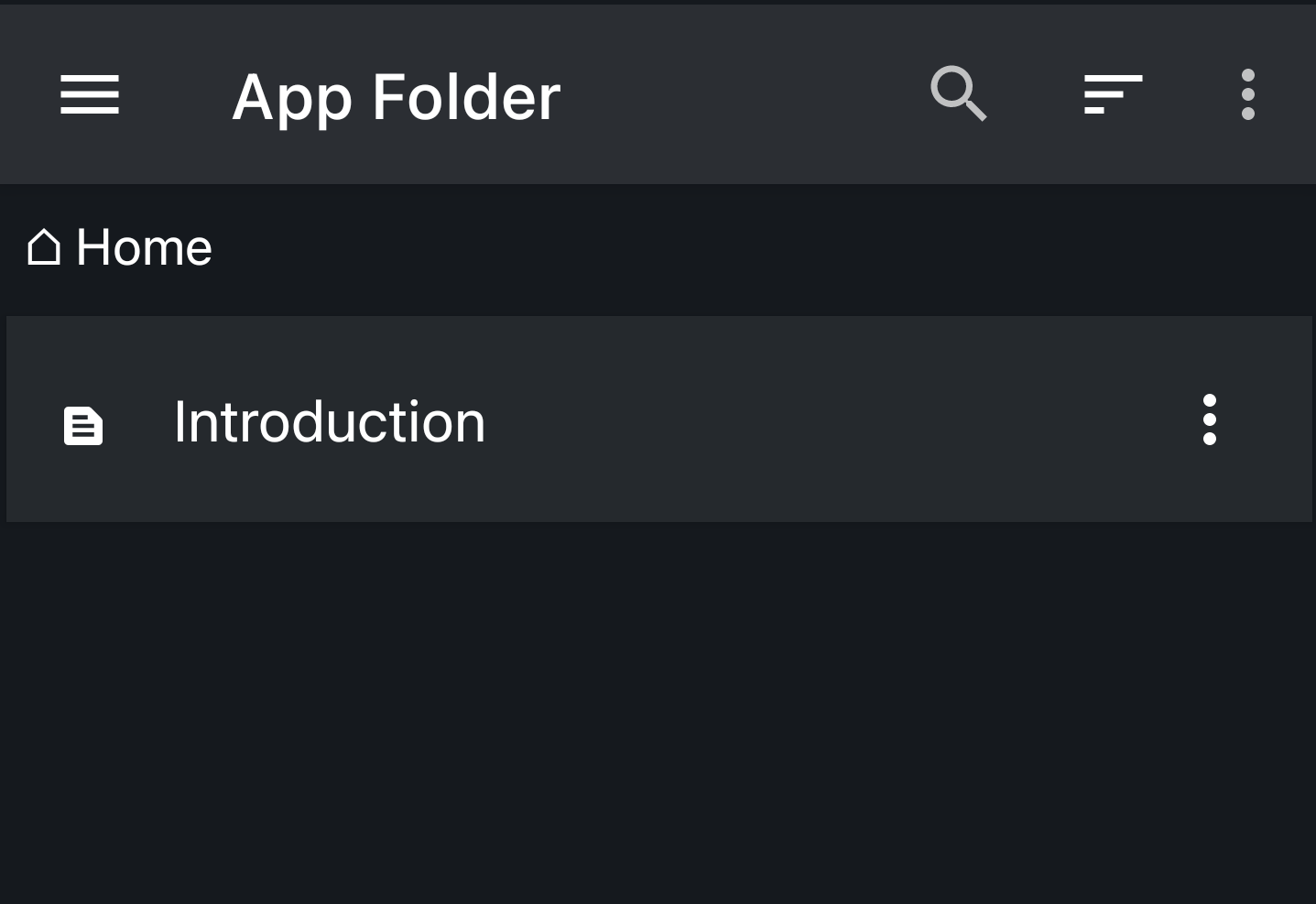
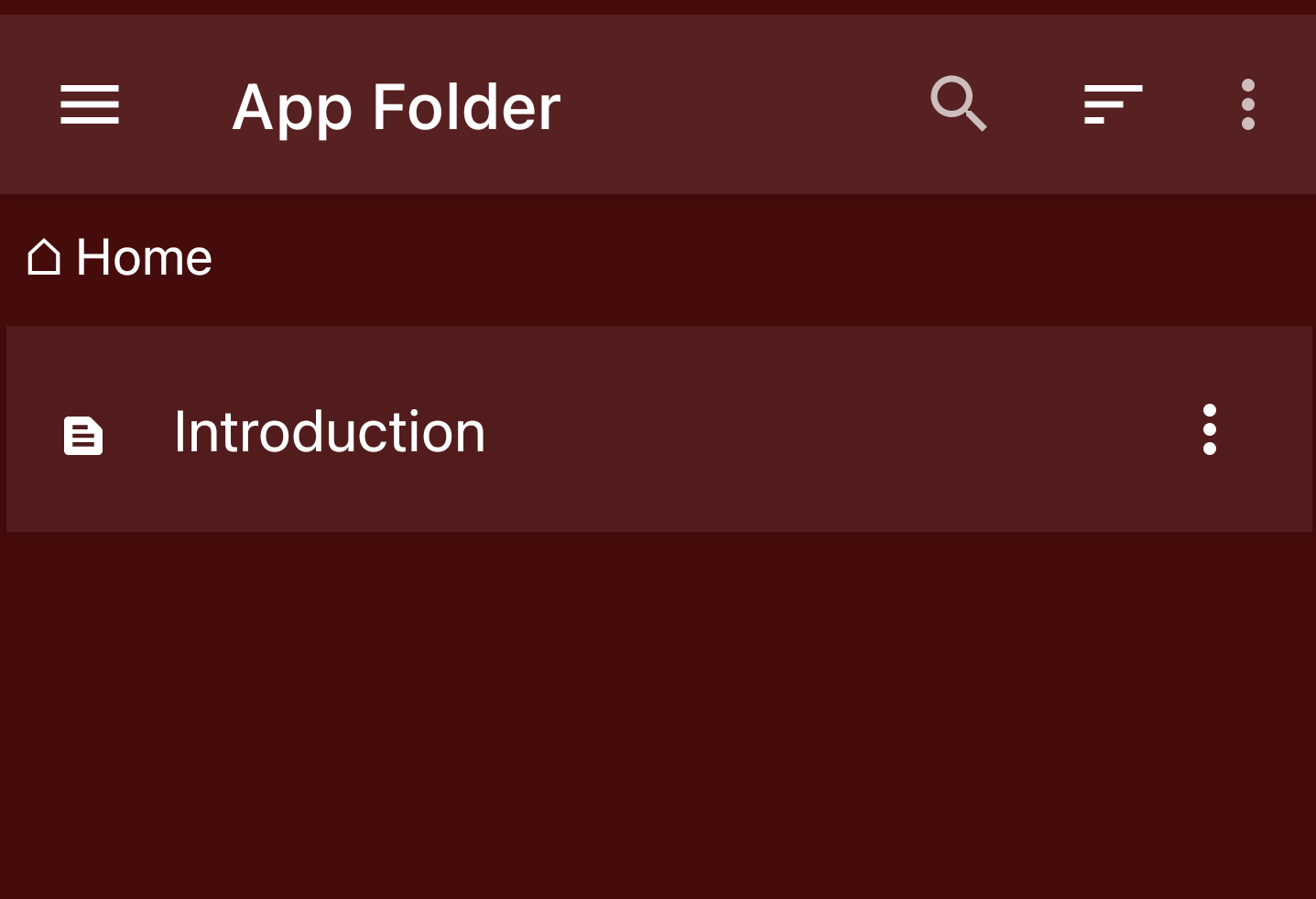
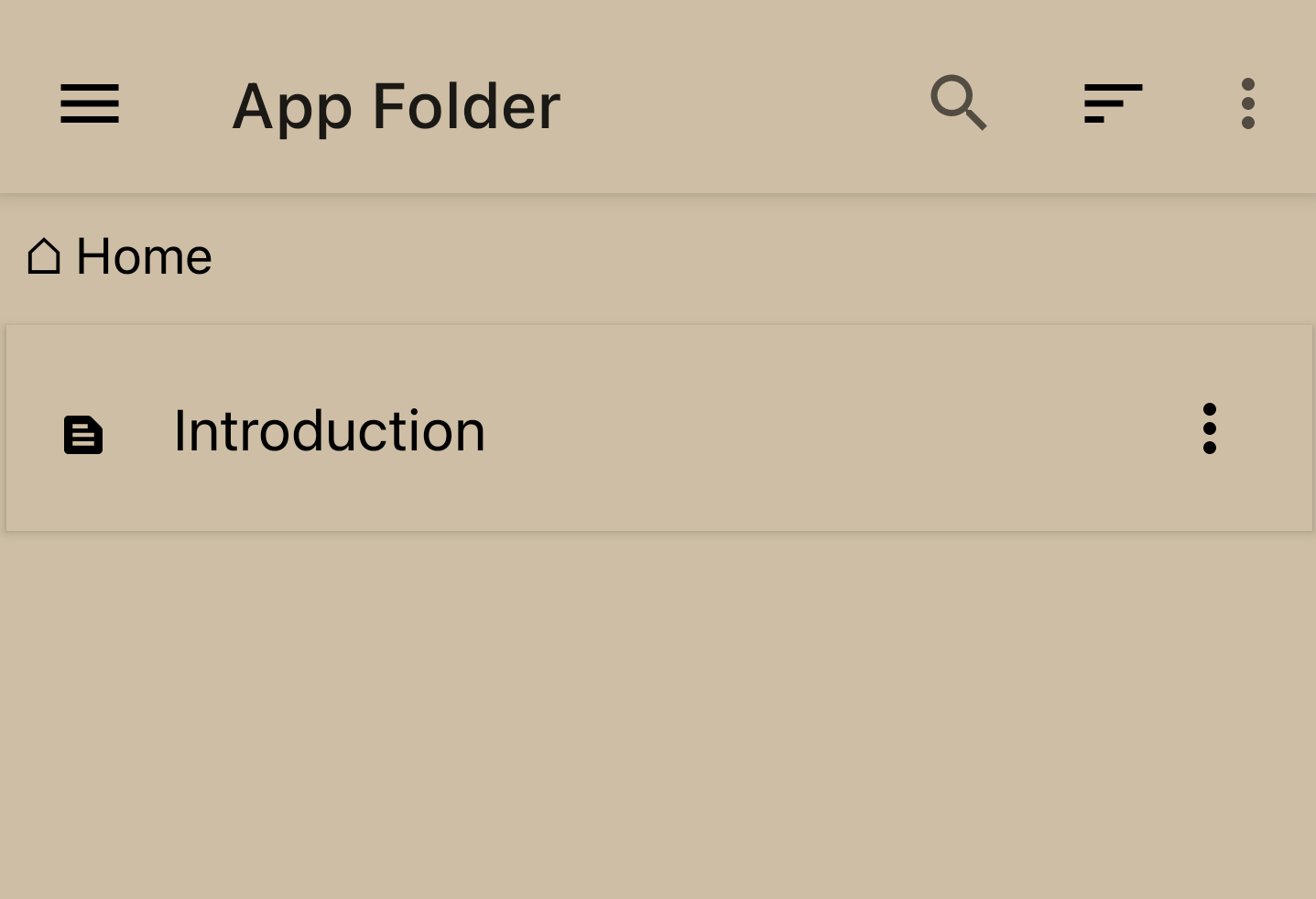
Zettel Notes has light and dark base themes, and can follow the Android system setting.
Each base theme can be customised with Accent Color, Background Color, Viewer Font, Editor Font and Markdown Style.
To configure theme, go to Settings > Theme.
App icon
Choose from 15 alternate launcher icons in Misc > Switch App Icon v2.8.6.
Font
You can import font ttf file from storage or use any font from Google Fonts. Read more.
Markdown Style
You can configure separate markdown style for light and dark theme. Read more
Accent Colors
- Blue
- Brown
- Cyan
- Green
- Grey
- Orange
- Pink
- Purple
- Red
- Teal
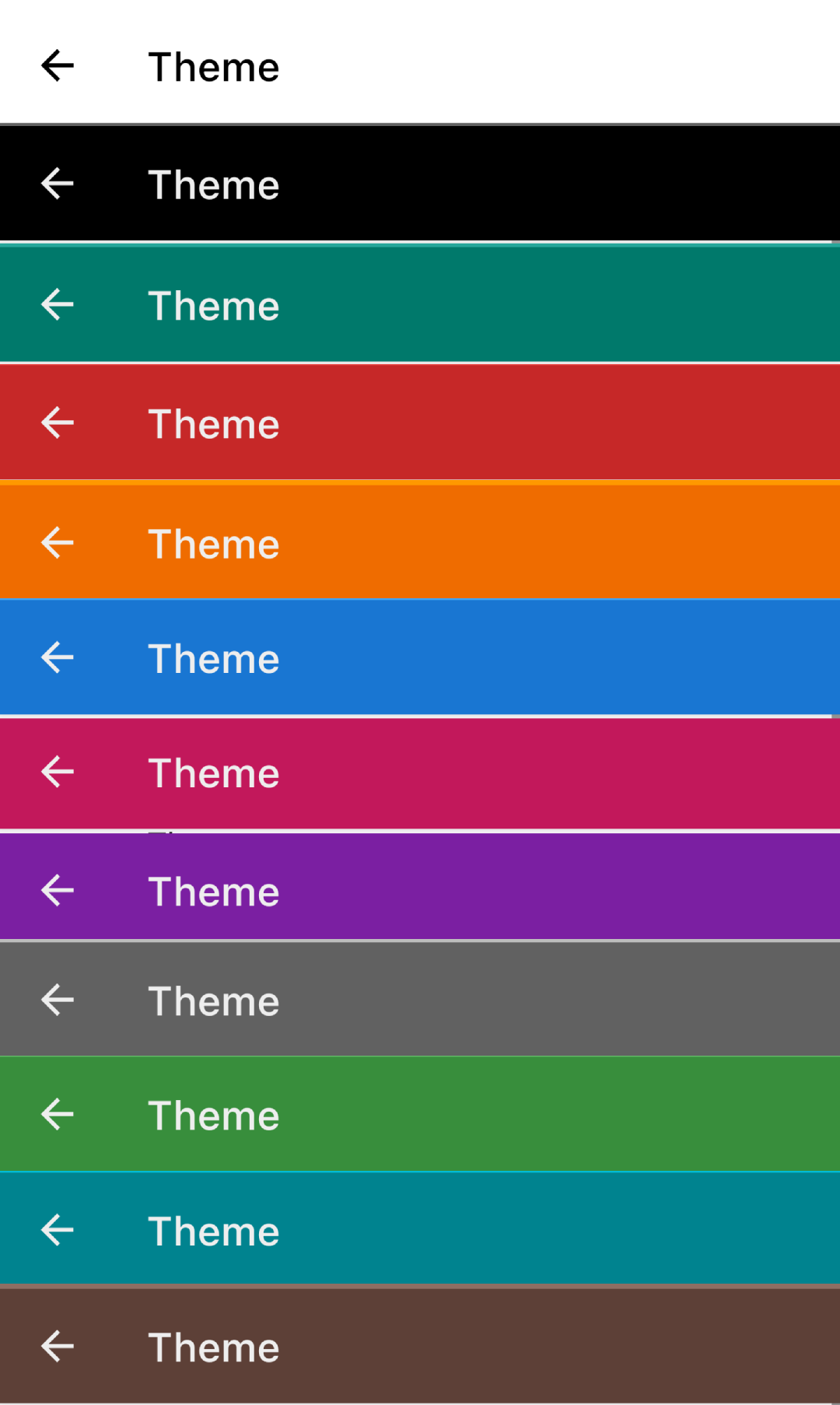
Toolbar Colors
Available toolbar colours:
Background Colors
Available background colours: