App Lock
To lock the app, go to Settings > Security, select App Lock and choose Passcode. Enter a passcode and confirm. You will be asked for it whenever the app restarts or the lock timeout expires.
Info
To unlock with your fingerprint, enable Biometrics on the App Lock screen.
To change the timeout, adjust Lock Timeout (in minutes). The maximum is 30 minutes.
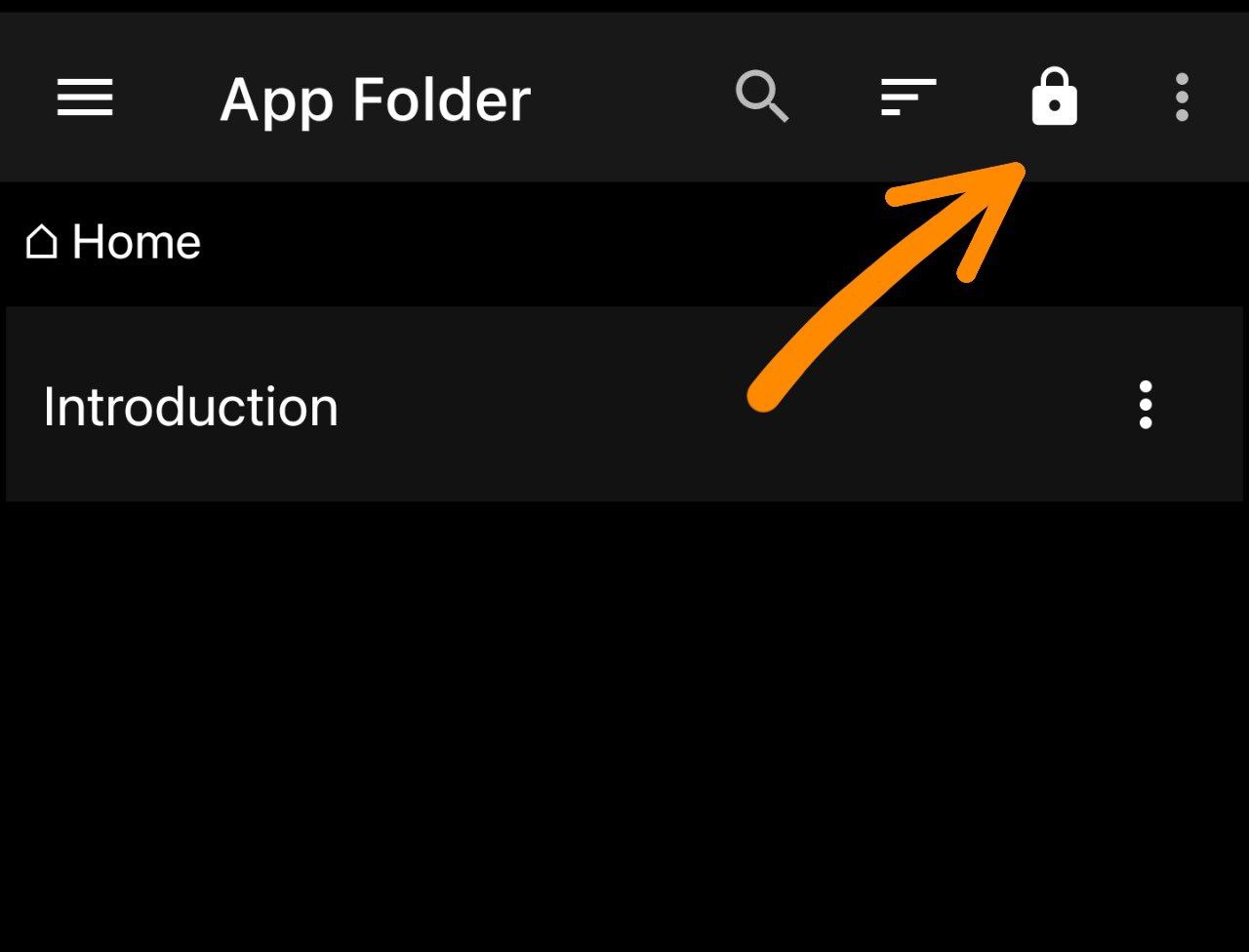
When a timeout is set, a lock button appears on the notes screen. Tap it to lock the app immediately.