Keyboard Shortcuts
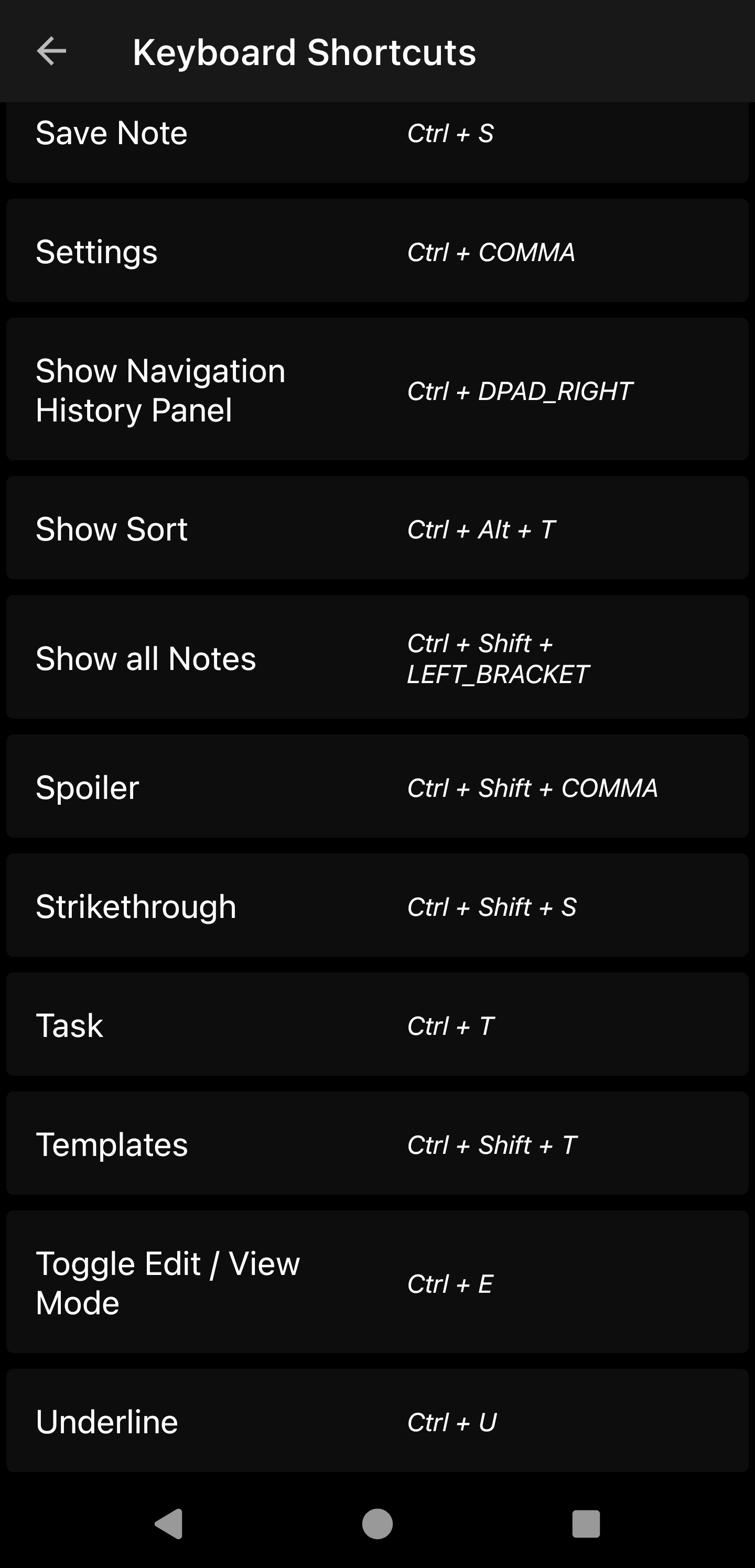
Zettel Notes supports hardware keyboards. Built-in actions can be triggered with key combinations, and every shortcut can be remapped.
To view or change shortcuts, go to Settings > Keyboard Shortcuts.
What you can do with shortcuts
- Insert headings v1.0.70
- Open text snippets v2.7.9
- Run any of the built-in editor actions
Tip
On a touch screen without a hardware keyboard, the meta keys toolbar editor button shows keys such as Ctrl and the arrow keys, so you can still use shortcuts v2.9.1.
Back up your shortcuts
Custom shortcuts can be backed up and restored with the rest of your app data v2.7.9.