Repository
Repository in Zettel Notes is root folder for your collection of notes. It is comparable to Vault in Obsidian.
To create a repository, click on menu button on main screen, select Repositories option. And click on floating create repository button.
Tip
Long pressing create repository button, creates a new repository in private storage of application.
Properties of a Repository
A repository can have following properties
1. Title
It should be unique for each repository. Title can be edited after creating a repository
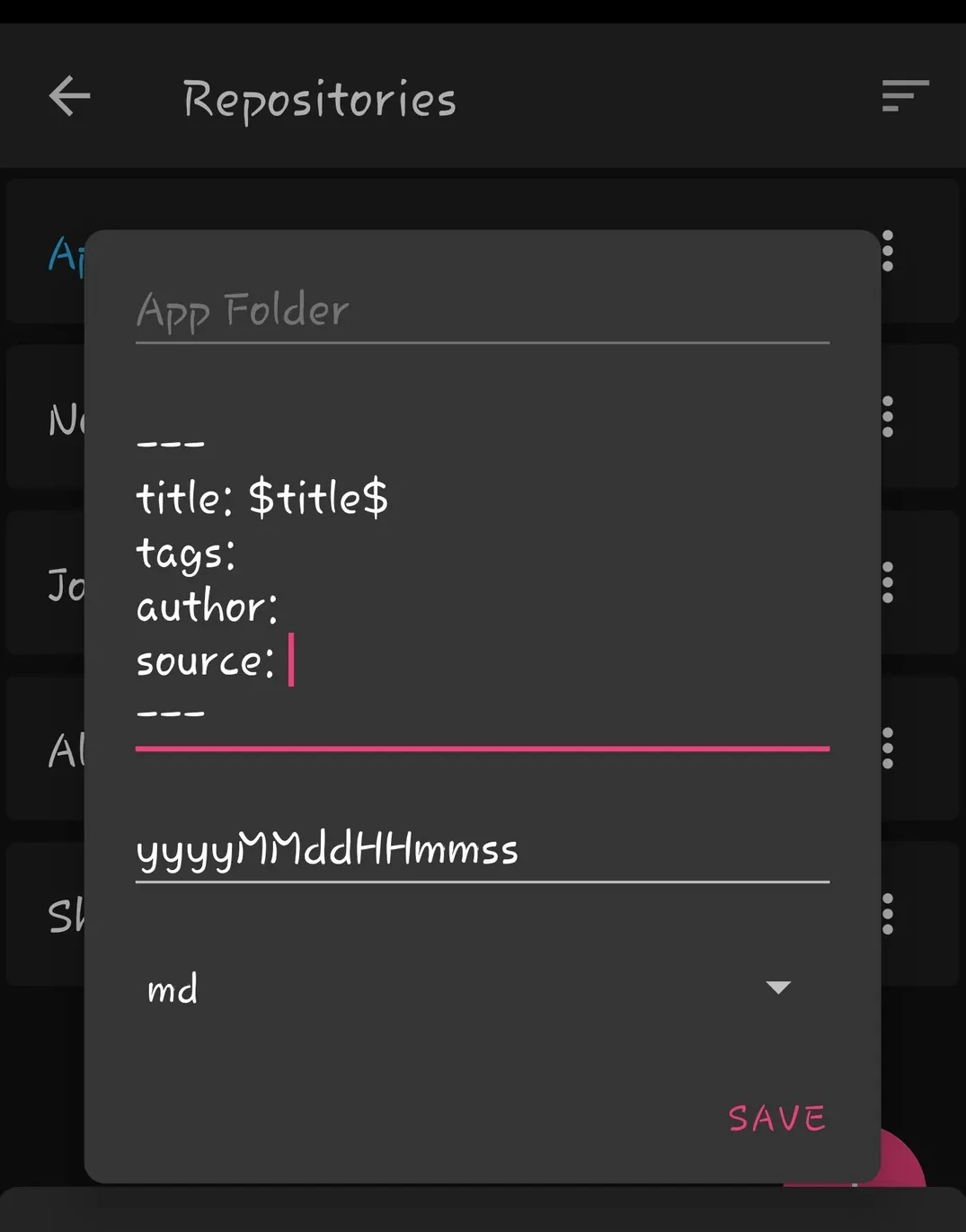
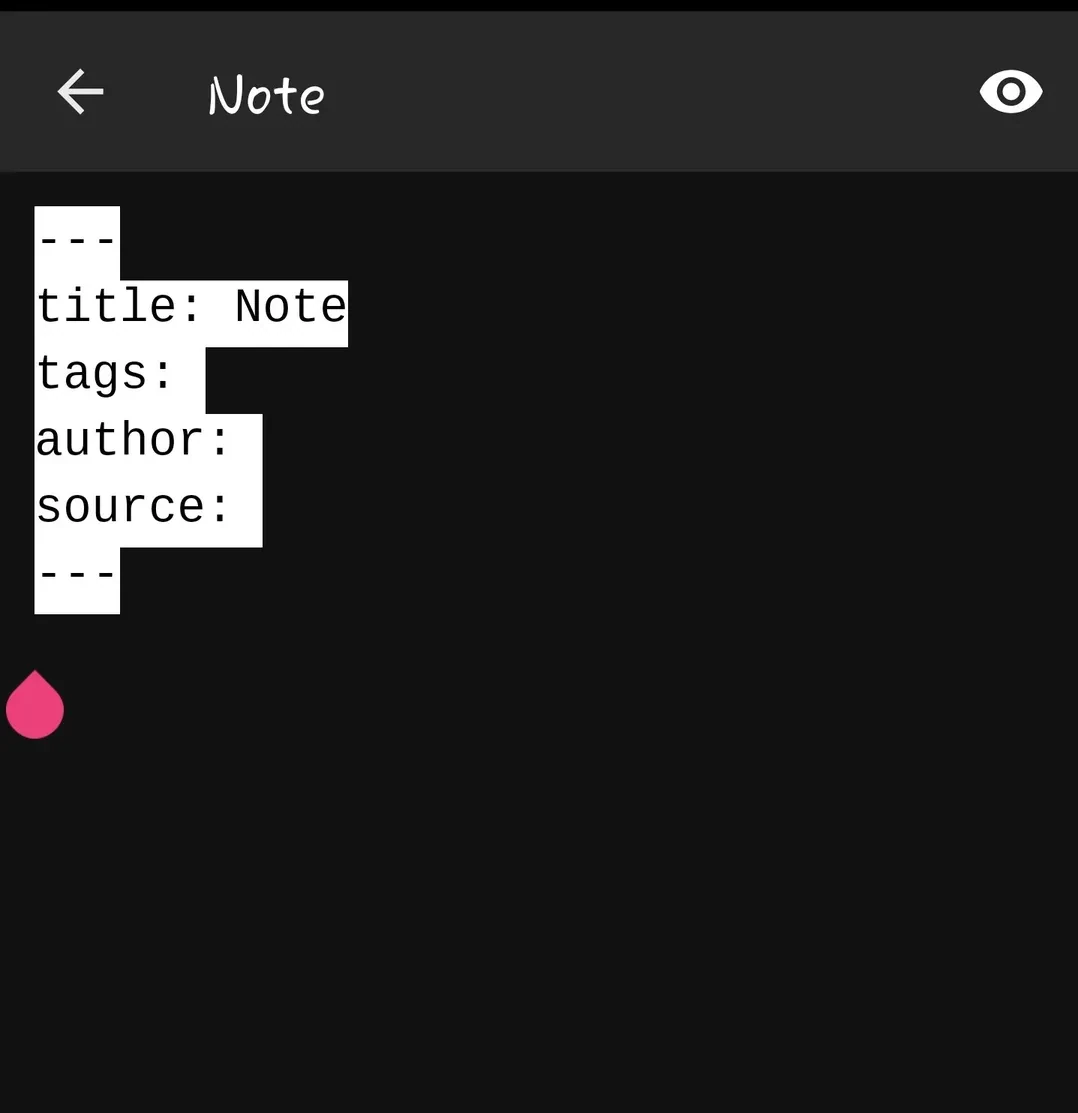
2. Default text
This text will be added to new note files. You can use any of these variables $title$, $id$, $filename$, $$yyyMMdd$$.
Tip
When using templates, you will have to add $default-text$ variable at start of template to add repository default text in the note file.
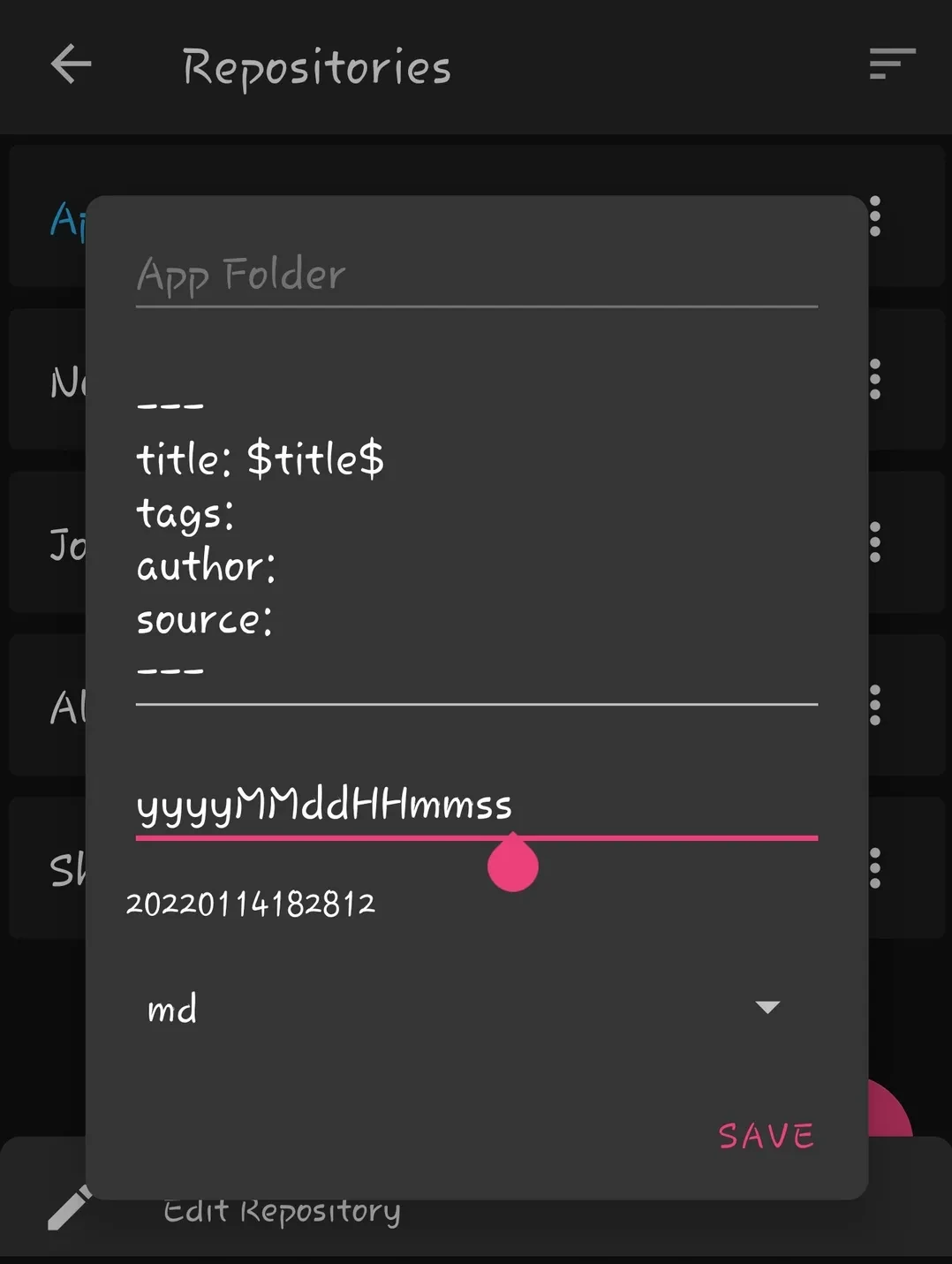
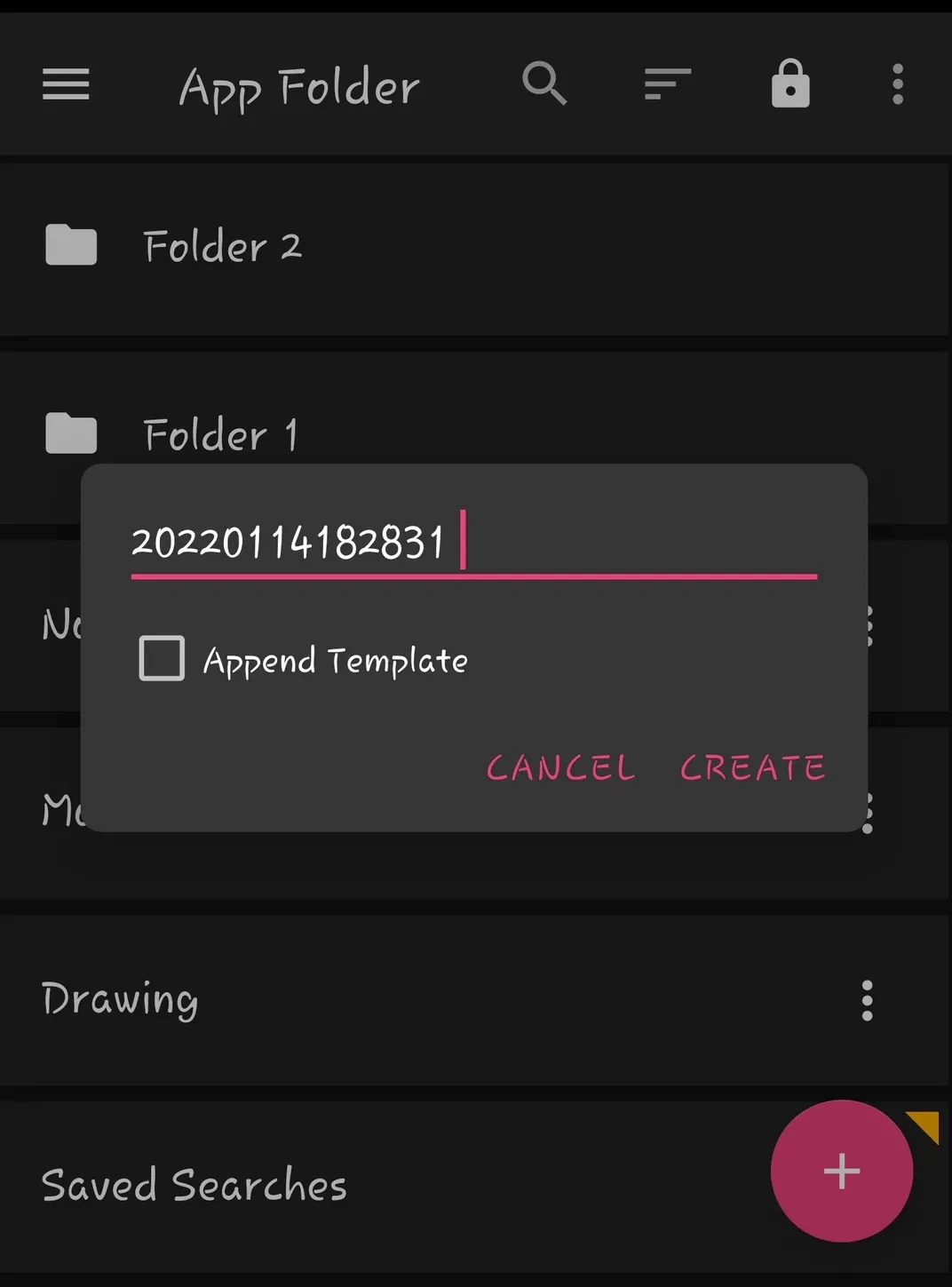
3. Date Format
It contains date time format which will be replaced with the present date and time when creating new note.
4. BibTex file
Click to select BibTex file for citations from internal storage. Read More
5. File Extension
Following file extensions are supported md, org,txt,text, mkd, mdwn, mdown, mdtxt, mdtext,markdown.
6. Prefer Title From
- Default
- Repository will use following order of preference for parsing title.
YAML Metadata>First Heading>File name
- YAML Metadata
- YAML Property
title: Note Titleis used to set title asNote Title.
- YAML Property
- First Heading
- First Heading
# Note Titleis used to set title asNote Title.
- First Heading
- Filename
- Filename
Note Title.mdis used to set title asNote Title.
- Filename
7. Default location for attachments
- Main Folder
- The root folder will be used for storing attachments
- Same folder as note
- Specific subfolder
- Specific subfoler set by user will be used for storing attachments.
- It should start with
/
- Subfolder in same folder as note
8. Encryption
9. Synchronization
Additional properties
Zettel Notes allows you to configure certain additional properties for each repository. These can be set by clicking the Edit button in the top-right corner of the repository dialog.
The properties are saved in the Zettel Notes configuration folder, under the specific path for that repository.
1. UID Regex (uid_regex)
- Defines how the id of a note is determined.
- Example: If set to
^\d{6,}, and a note filename is20201210 Note File.md, the note ID will be20201210. - This ID can be used for linking between notes.
2. Mount (mount)
- Specifies whether the repository should be accessible via the Android Documents app.
- Mounting internal repositories
- Repositories can be assessed via the android Documents application.
- To disable mounting internal repositories, go to
Settings > Securityand disableMount internal repositories. 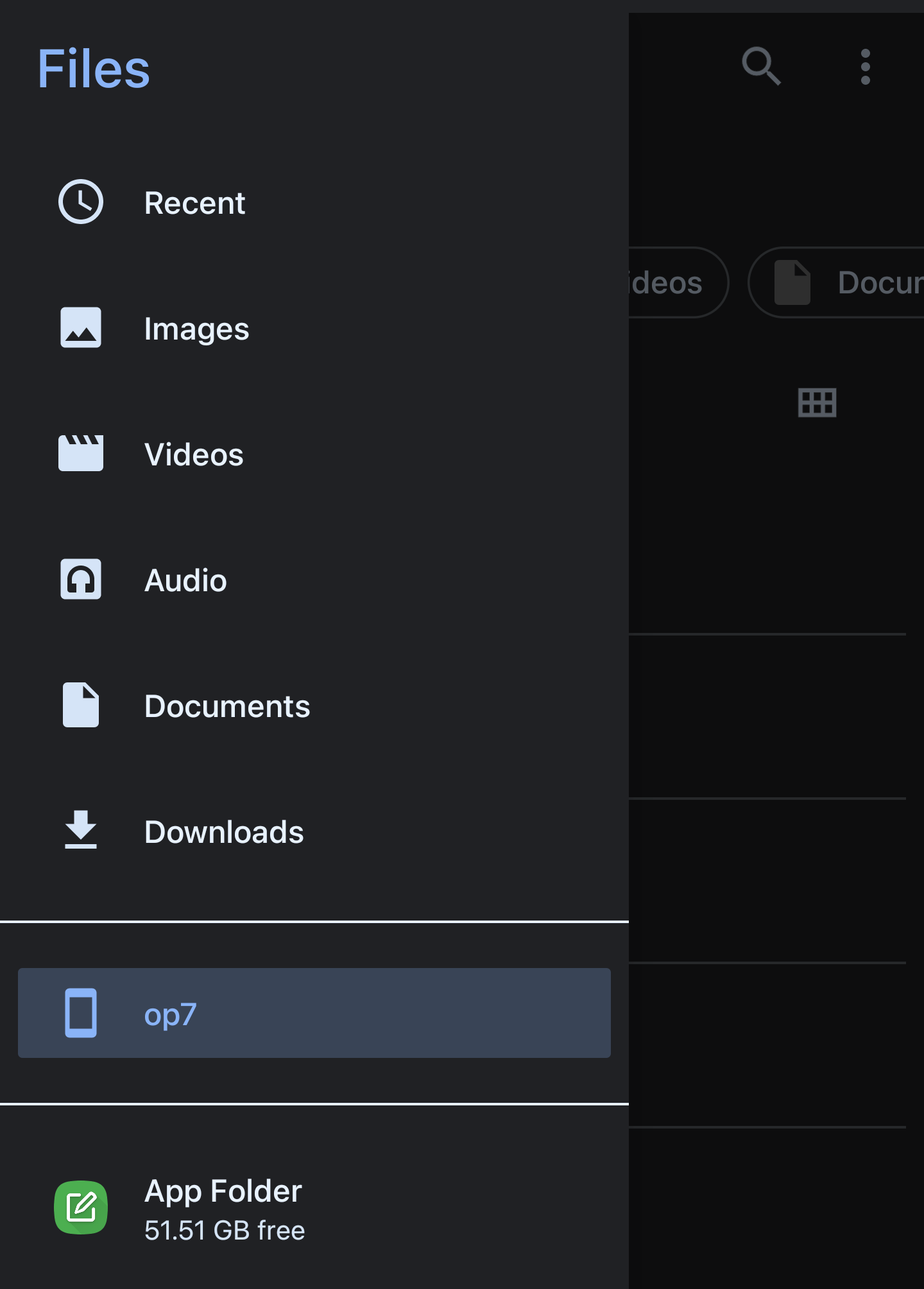
Tip
To unmount specific repository, hide the repository in Repository settings.
3. Exclude files and folders (excluded_paths)
Since Zettel Notes v3.0.7, there is a feature to define which files and folders should be "ignored" for this repository.
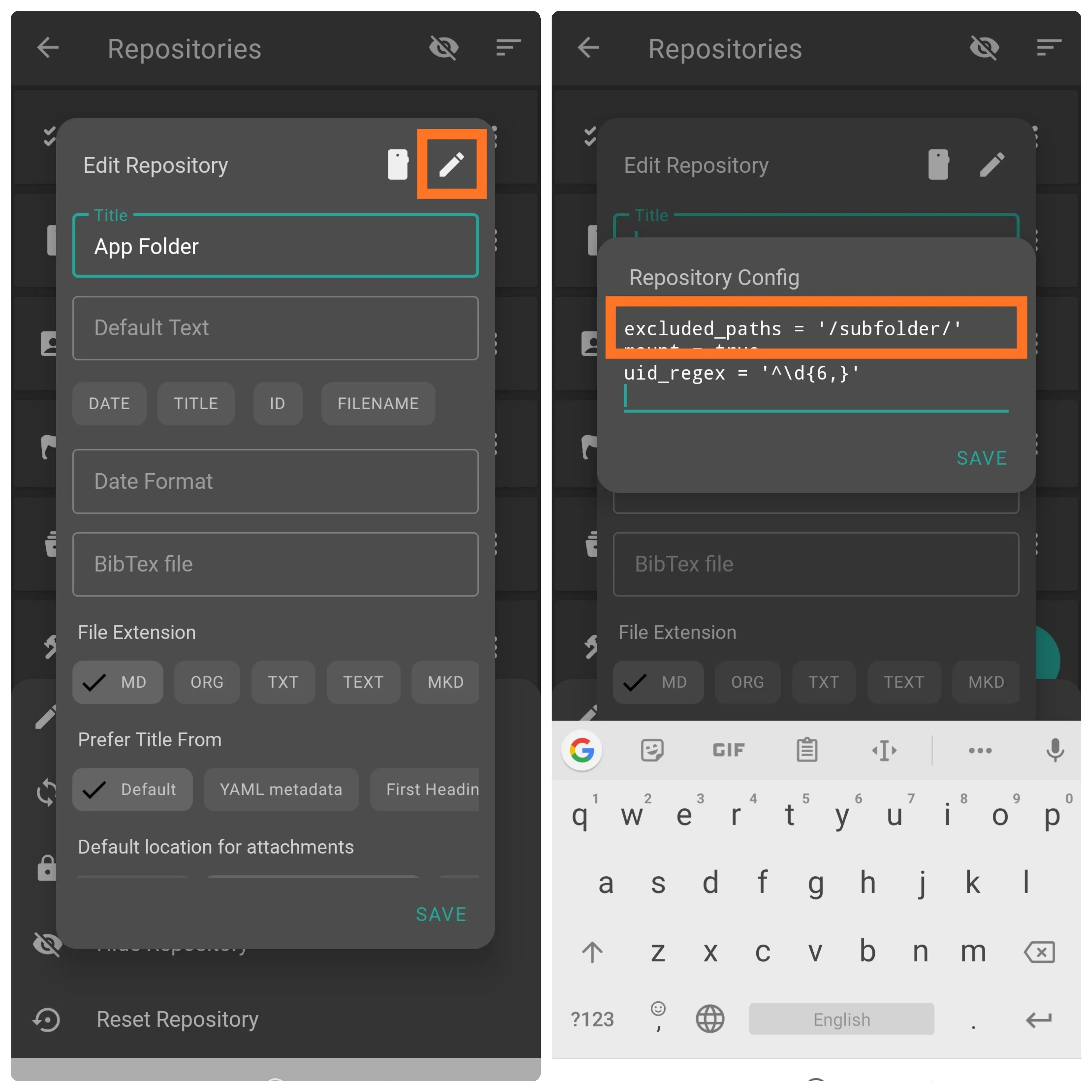
Enter a comma-separated list of patterns, for example:
'excluded_paths = /backupFolder/,/*.tmp,/note-?.md'
Clarification:
- By the term "ignoring files and folders", we mean a repository setting that:
- hides files and folders in the "Notes List",
- hides tags in the Navigation Drawer "Attributes",
- turns links to hidden files into "Note Link not valid".
- hides backlinks to hidden files in the "Backlinks" tab of the Right Drawer and the "Info" window.
- To format the path correctly, use the absolute link rule within the repository: the path must start with
/(/Folder/,/File.md). - Patterns are matched against file and folder paths using
/as the separator. - Spaces are allowed in file and folder names (
/Example Folder/,/Example File.md).
Supported patterns:
- A pattern ending with
/matches a folder and everything inside it.
Example:temp/excludes the temp folder and all its files and subfolders. *matches any number of characters.
Example:*.mdmatches all Markdown files.?matches exactly one character.
Example:note-?.mdmatchesnote-1.mdornote-a.md, but notnote-10.md.