Fonts
You can set separate fonts for the viewer and editor, per base theme.
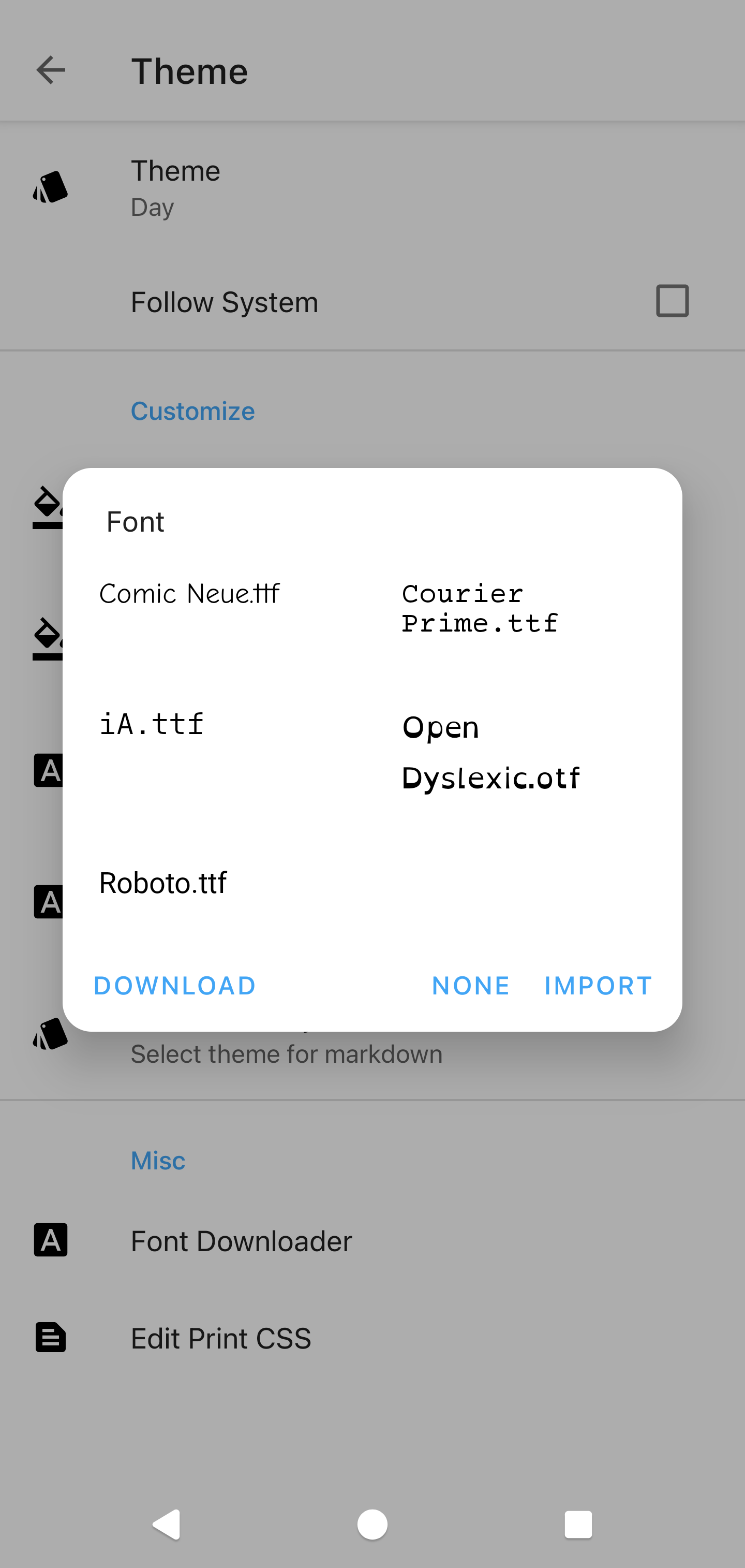
Pre-installed fonts
- Comic Neue
- Courier Prime
- iA Writer
- Open Dyslexic
- Roboto
Info
Long-press a font to delete it.
Downloading from Google Fonts
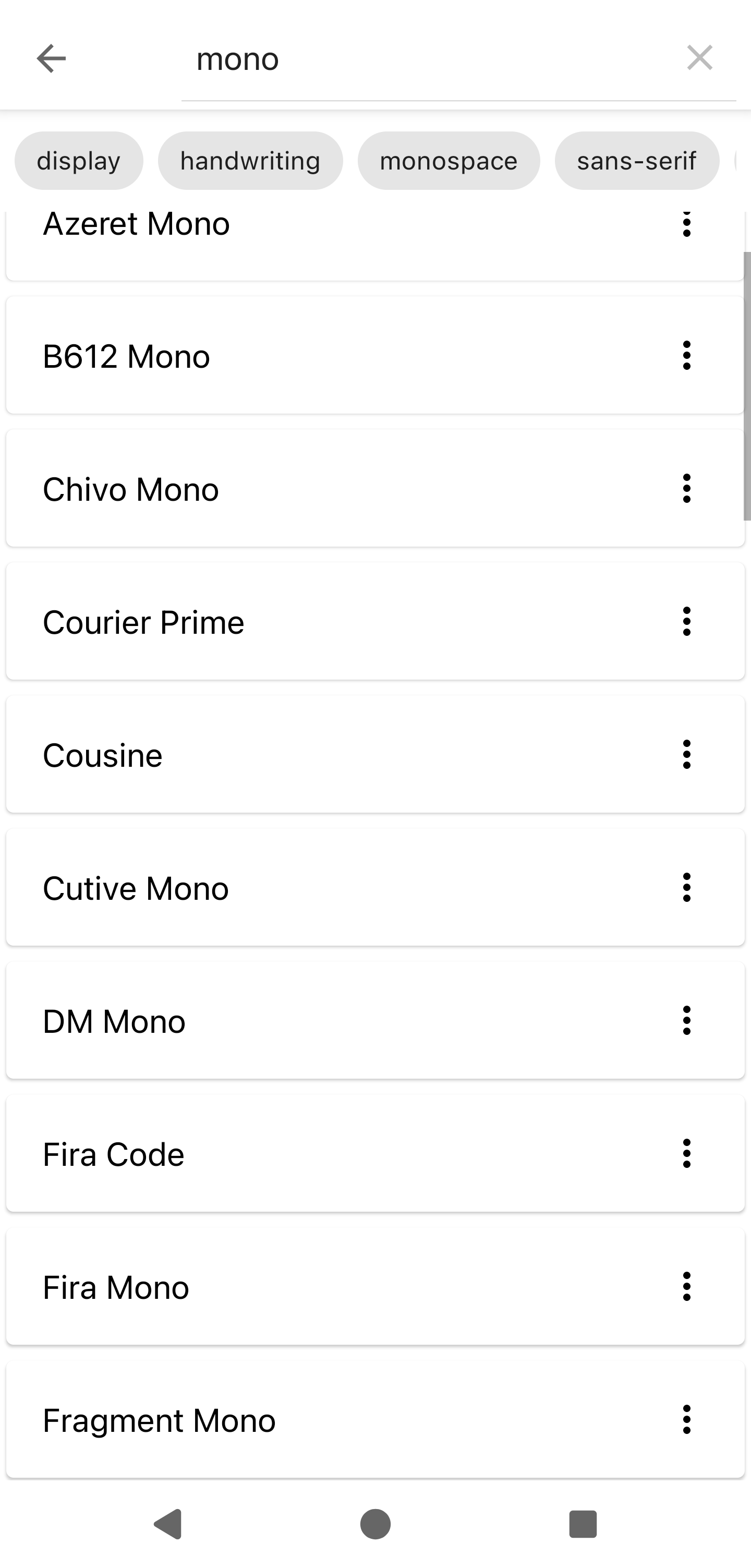
Zettel Notes can download any Google Font.
In the font chooser, tap Download, pick a font and tap Download again. It then appears in the font chooser.
For a weight other than Regular, tap the button to the right of the font and choose a weight.
Info
Fonts can be searched and filtered by category: display, handwriting, monospace, sans-serif and serif
Demo Video