Notes
A note in Zettel Notes is a plain-text file with a supported extension (e.g. md, org, txt). Zettel Notes indexes every file in a repository for fast search.
Edits are saved directly to the file, so any other app can read your notes and you are never locked in.
Tip
For full list of supported file extensions, checkout Repository
Viewer and Editor Modes
Every note has two modes:
- View mode
- Edit mode
View mode shows the rendered Markdown. Its layout depends on the note type.
Edit mode is where you write with Markdown formatting and insert tags, authors and links. See also Zettelkasten method.
Note Information
In view mode, tap the top-right menu button to open Note Information.
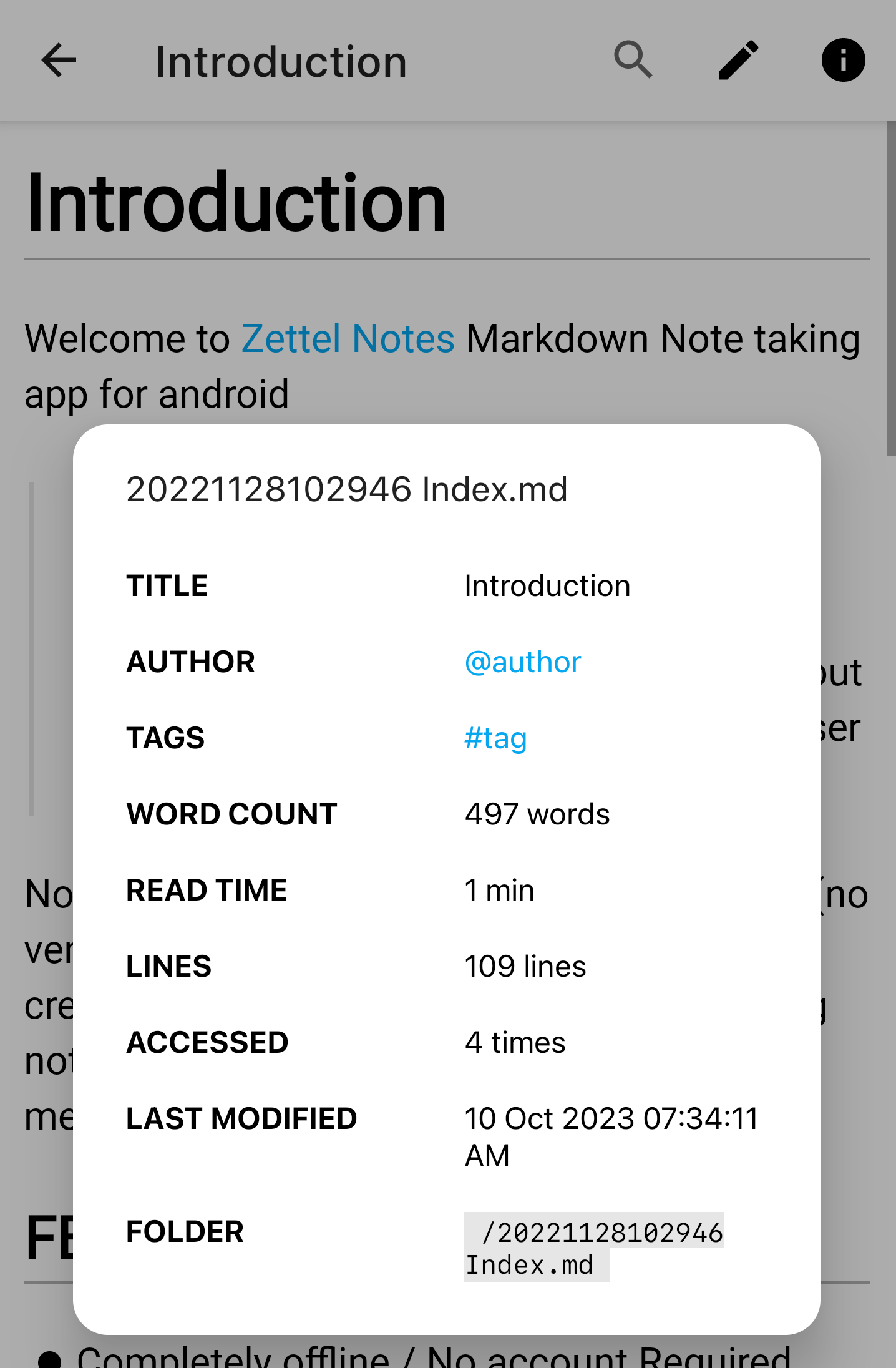
The dialog shows details such as word and character count, read time and backlinks. From it you can also:
- rename the note v2.8.4
- delete the note v2.7.4
- share the note
- see the note's UID by long-pressing its title v2.9.9
Info
Notes can be shared in several formats. See Share Notes.