Markdown Style
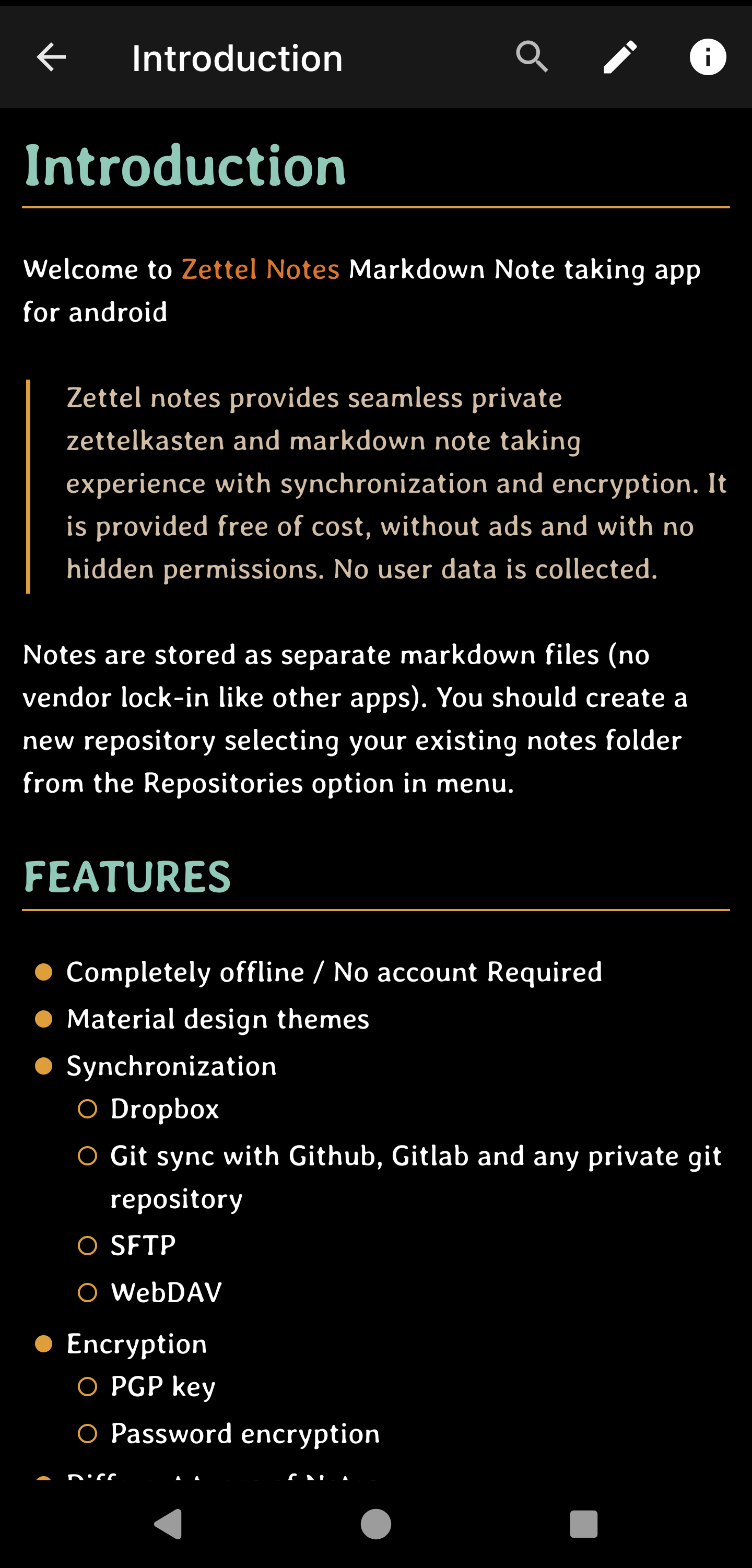
Markdown styles control how formatted text looks, separately from the app theme.
Info
Markdown styles can be exported and imported as JSON files.
Customisable options
- Blockquote color
- Bold / Emphasis color
- Code (Foreground and Background color)
- Heading color
- Highlight (Foreground and Background color)
- Italics color
- Link color
- List Bullet color
- Text color
- Thematic break color
- Bullet width
- Heading break height
- Thematic break height
- Show markdown link brackets
- Show underline in links
- Code Font
- Heading Font
- Editor Font
- Viewer Font
Tip
Fonts set in a Markdown style take priority over fonts set in the app theme.
Built-in styles
These styles are included and can be customised or used as a starting point.
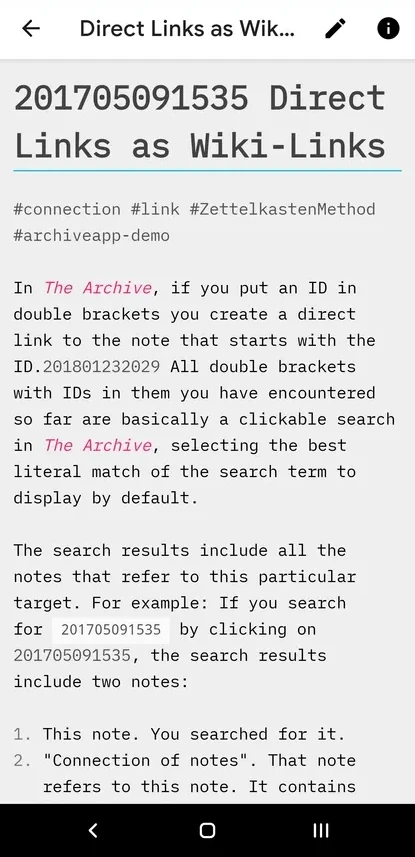
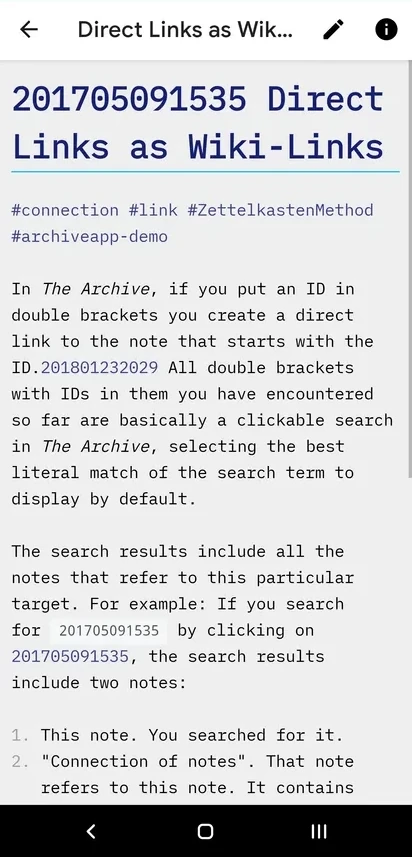
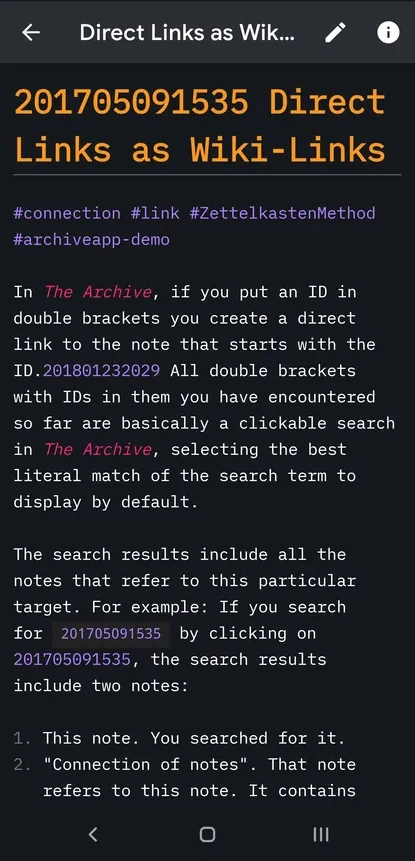
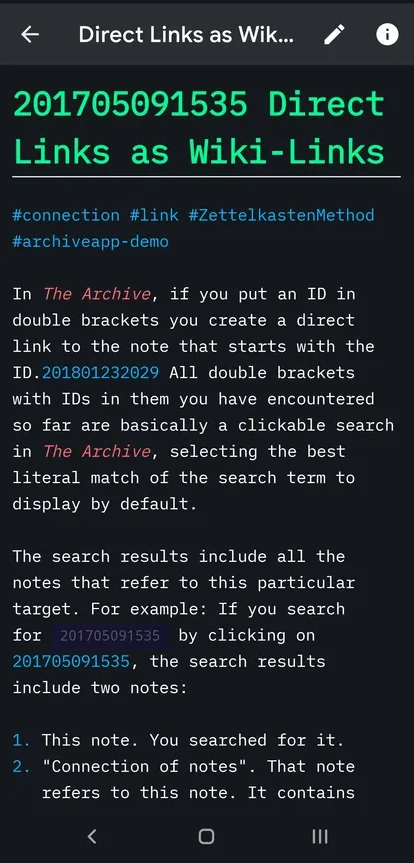
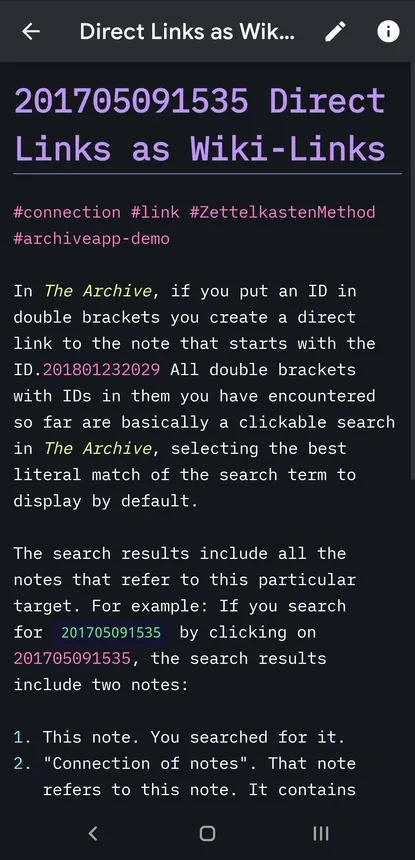
The built-in styles are inspired by The Archive Themes.
Add a new style
Additional style: Hertz Dark
Download the JSON file and import it from Settings > Theme > Markdown Style > Import.