Note Types
Every note type is a plain-text file; the type is set by the note_type frontmatter property. Only view mode differs between types; edit mode is the same.
Task Note
---
note_type: task
---
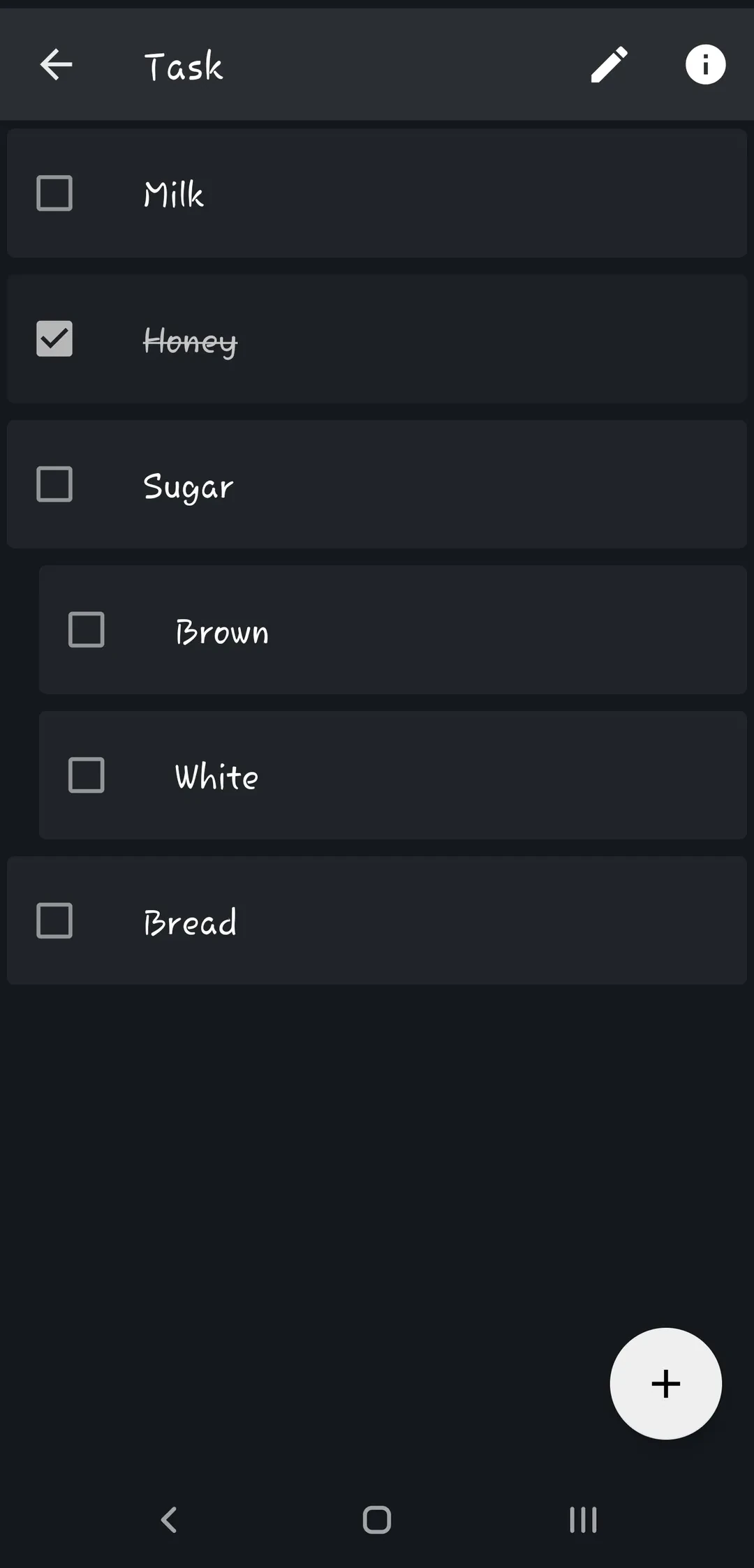
This note shows all the markdown style tasks as a simple task list. You can toggle task or add new task from the floating add button. To delete task swipe from left on the task and click on delete button. You can also show / hide completed tasks.
Task note options:
- Swipe a task to rename or delete it; drag tasks to reorder them.
- After checking a task, an Undo option appears v2.9.9.
- In
Settings > Note Formatsyou can strike through completed tasks, delete tasks when they are checked, or show each task on a single line v2.9.8. - A Task Note widget shows the tasks on your home screen.
Tip
It is possible to set alarm on a task. Just install Alarm Plugin and swipe on a task to set alarm.
Drawing Note
---
note_type: drawing
---
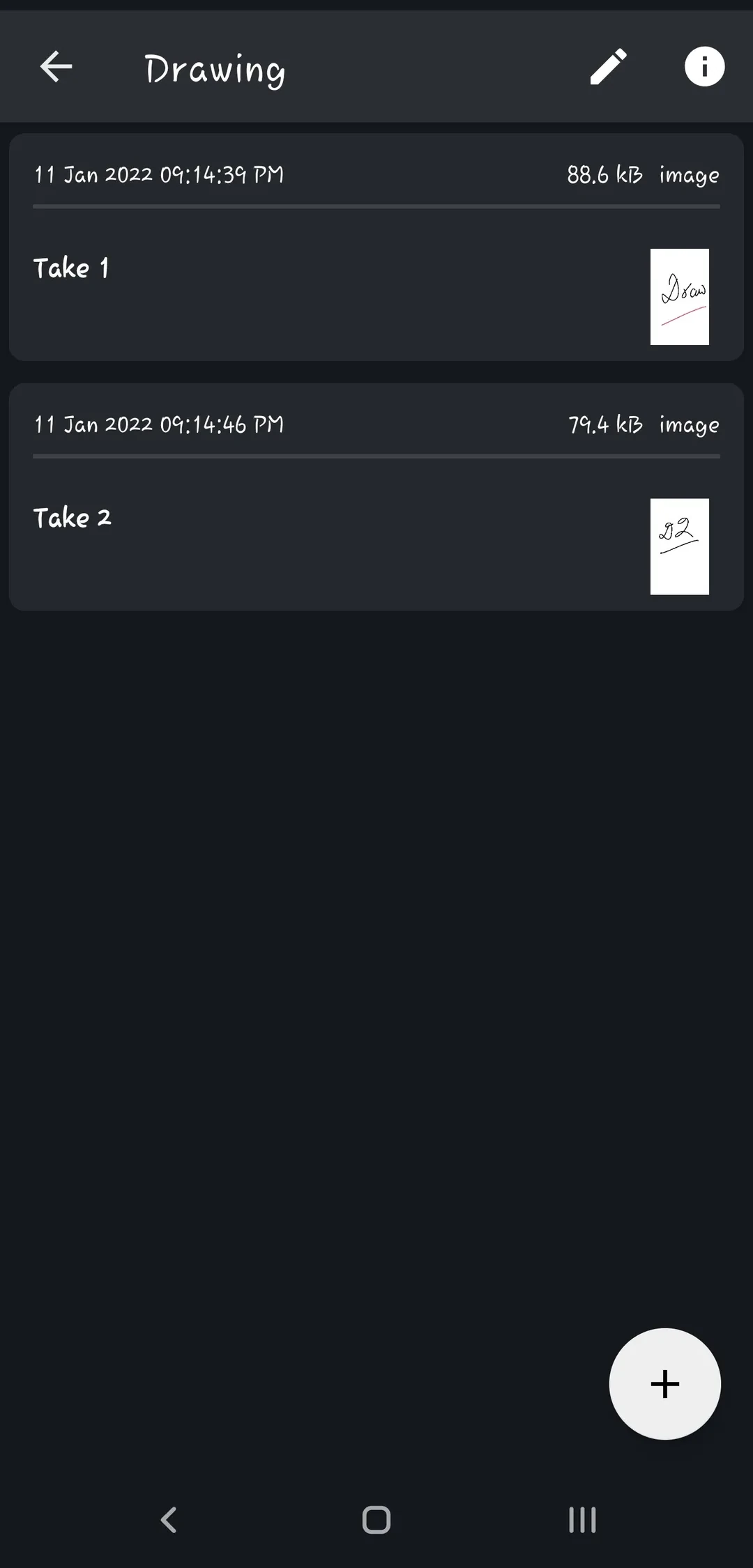
Collects your drawings in one place. Tap the floating + button to add a drawing.
Tip
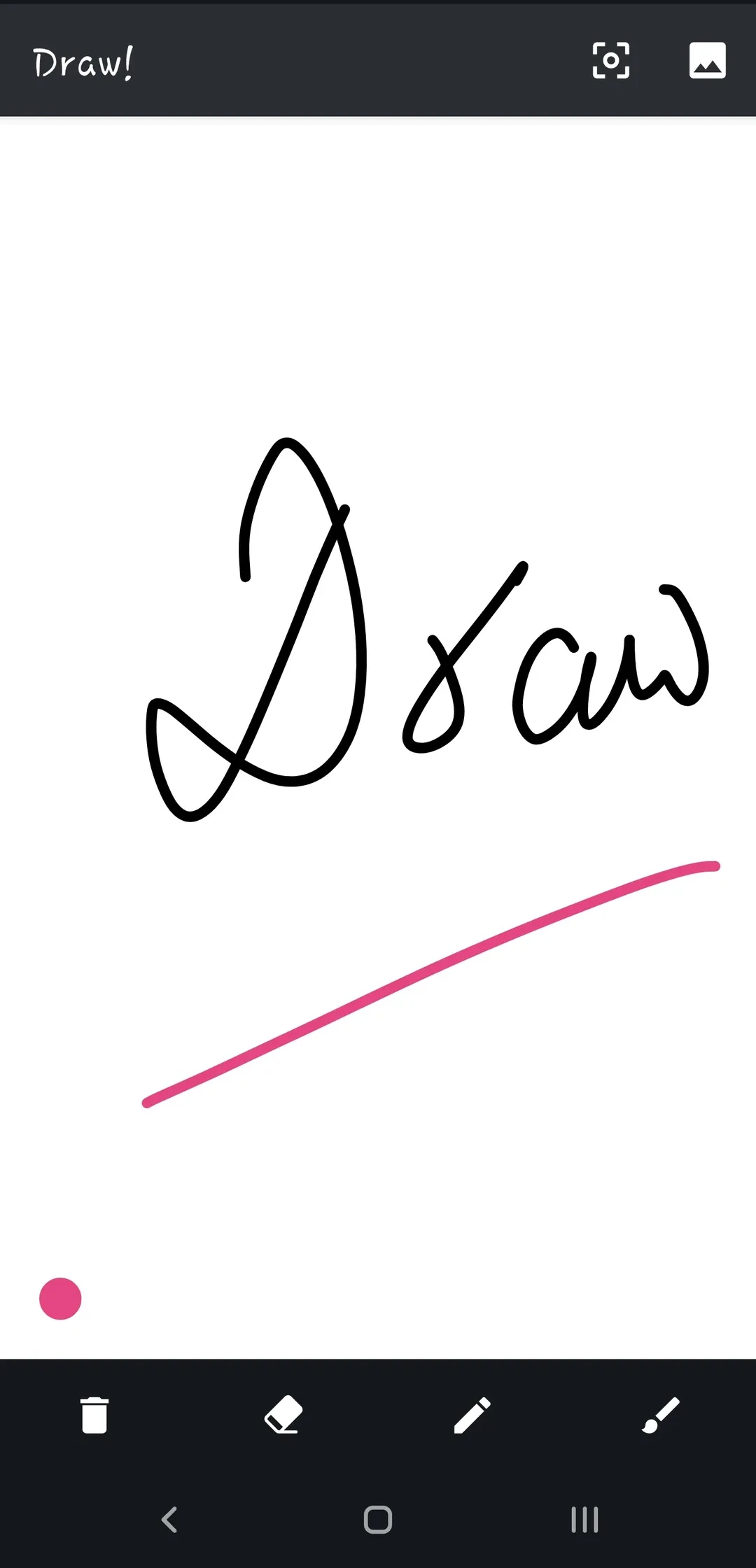
To change brush size, long press on the color selection button in lower right corner.
The suffix for newly created attachments (including recording, drawing, images) can be modified in settings. Go to Settings > Editor and Viewer > Attachment Suffix. It supports these variables ($$-yyyy-MM-dd$$ $id$ $title$ $filename$). Using $$-yyyy-MM-dd$$ variable will create drawing with file name as Drawing-2023-10-18.png. Id, Title and Filename will be populated from the note file.
Audio Note
---
note_type: audio
---
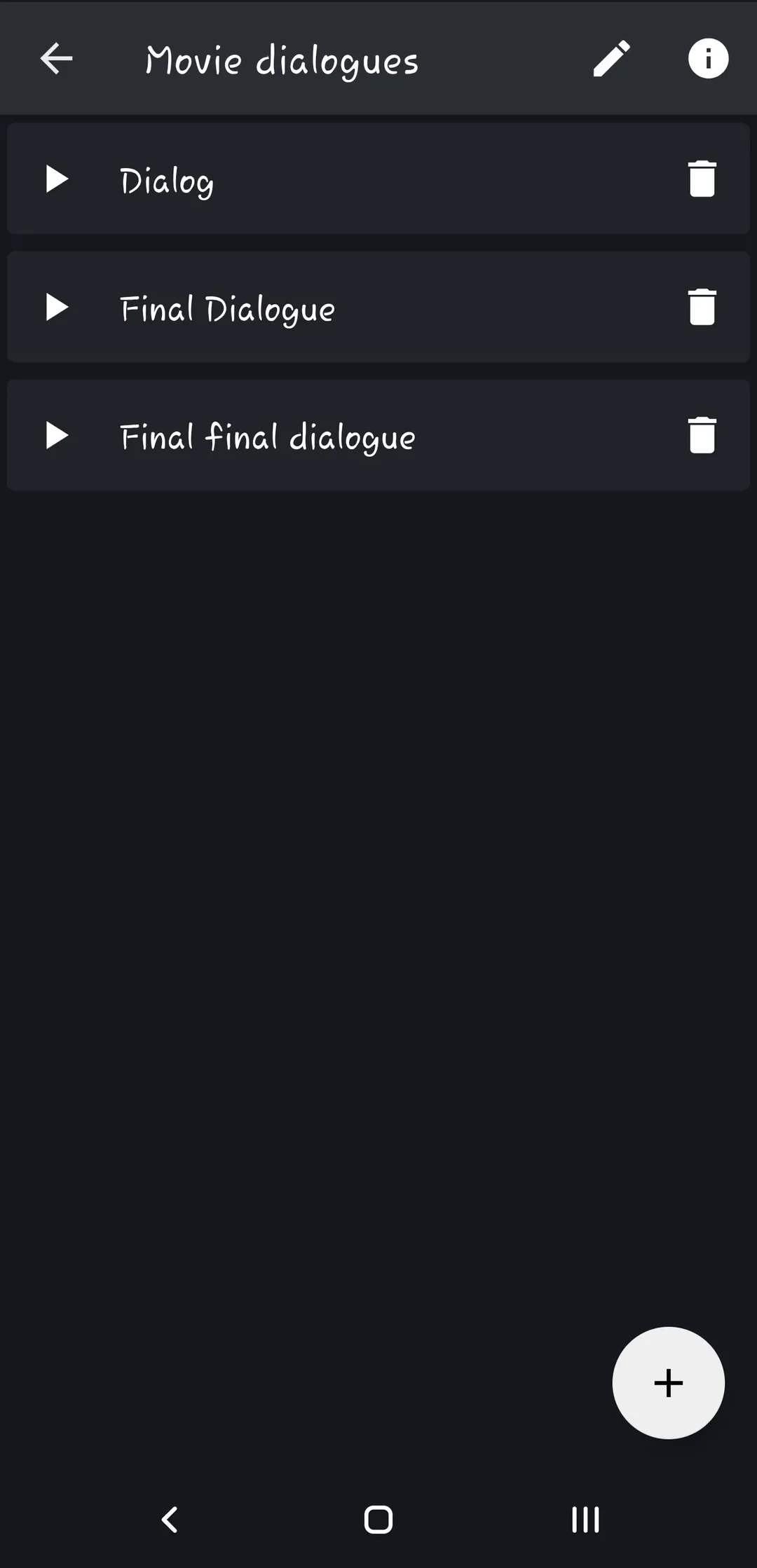
Works as a voice recorder. Use one audio note to collect a series of voice memos, e.g. while travelling.
Info
To configure audio recording, go to Settings > Audio Recorder. You can configure Bitrate, Channel Count, Sampling Rate, Recording format and Filename.
Bookmark Note
---
note_type: bookmark
url: https://thedoc.eu.org
---
Opens the URL in its frontmatter. With the example above, tapping the note in the notes list opens https://thedoc.eu.org in your browser.
To create a bookmark note, share webpage from browser and select Zettel Notes > New Bookmark Note from share screen.
Log Note
---
note_type: log
---
Inspired by the .LOG feature of Windows Notepad: each time you open the editor, a timestamp is added on a new line. An option adds new entries at the beginning of the note instead of the end v2.9.6.
Info
To configure date format for log notes, go to Settings > Note Formats > Log Note > Date Format. Eg. To make log entry bold, use this date format '**'yyyy-MM-dd'**'